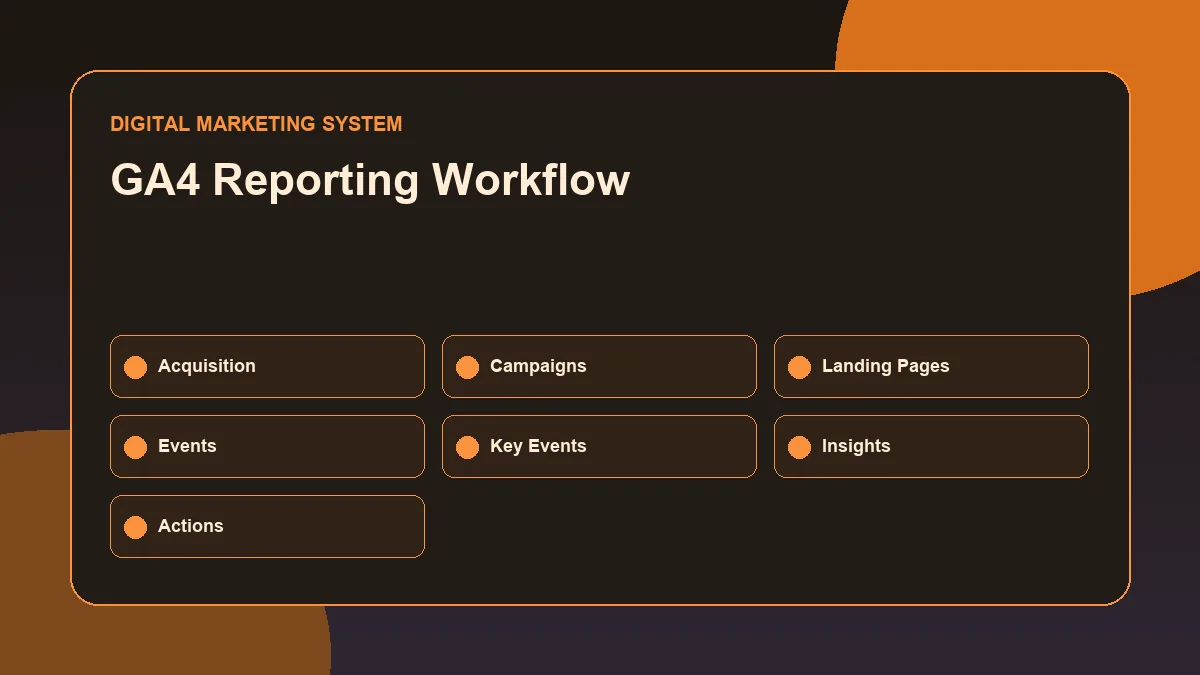
GA4 reporting is useful only when the data leads to better marketing decisions.
A performance marketing report should not be a screenshot collection. It should help answer practical questions: where traffic came from, which campaigns attracted useful visitors, which landing pages performed better, which actions users completed, and what should be improved next.
That is why a GA4 reporting workflow matters.
Google Analytics 4 can show acquisition, engagement, landing-page activity, events, and key events. But without a clear workflow, the reports can feel scattered. A marketer may look at sessions, users, engagement rate, and events without knowing what decision should follow.
A GA4 reporting workflow is a repeatable process for reviewing acquisition, campaigns, landing pages, events, key events, comparisons and marketing actions. It helps performance marketers move beyond screenshots by turning Google Analytics 4 data into practical insights about traffic quality, tracking accuracy, landing-page performance and optimization priorities.
The goal is not to check every GA4 report. The goal is to move from data to insight, and from insight to action.
Why GA4 Reporting Matters in Performance Marketing
Performance marketing for business growth depends on measurement.
Paid campaigns, SEO campaigns, social media traffic, email campaigns, and landing pages all need reporting to understand what is working and what needs improvement.
A good GA4 reporting workflow helps answer:
- Which channels are bringing users?
- Which campaigns are attracting engaged sessions?
- Which landing pages are receiving traffic?
- Which events are users completing?
- Which important actions are being counted as key events?
- Which traffic sources deserve more attention?
- Which pages need improvement?
- Which campaign naming issues are affecting reporting clarity?
GA4 reporting is especially important because performance marketing is not only about launching campaigns. It is about analyzing results, finding patterns, improving weak points, and making better decisions over time.
Google Analytics reports can be organized around stages of the customer journey, including acquisition and retention, depending on how the property is configured. This makes GA4 useful for reviewing how users arrive and what they do after arriving. ([Google Help][1])
What a GA4 Reporting Workflow Should Answer
Before opening reports, define the business question.
For example, a performance marketing report may need to answer:
| Reporting Question | Why It Matters |
|---|---|
| Which channels brought traffic? | Helps evaluate acquisition performance |
| Which campaigns brought engaged users? | Helps compare campaign quality |
| Which landing pages received traffic? | Helps identify page-level performance |
| Which events happened? | Helps understand user interaction |
| Which key events were completed? | Helps evaluate important business actions |
| Which source or medium needs attention? | Helps improve targeting and budget decisions |
| What changed compared with the previous period? | Helps identify improvement or decline |
Without clear questions, GA4 reporting becomes passive. With clear questions, it becomes an analysis workflow.
Start with the Reporting Objective
A report should begin with the objective.
For a business website, common reporting objectives include:
- Lead generation analysis
- Paid campaign performance review
- SEO traffic analysis
- Landing-page performance review
- Social media traffic review
- Campaign source comparison
- Key event tracking review
- Monthly performance summary
For example, if the objective is lead generation, the report should focus on traffic quality, landing pages, form-related events, call clicks, WhatsApp clicks, and key events.
If the objective is campaign performance, the report should focus on source, medium, campaign names, engagement, landing-page behavior, and key event contribution.
The objective controls the workflow. It also prevents the report from becoming too broad.
Analyze Acquisition and Traffic Sources
Acquisition analysis shows where users and sessions came from.
For performance marketing, this is one of the first areas to review because campaigns need traffic-source clarity.
GA4 traffic-source dimensions help explain where traffic originates, how users arrive, and which marketing efforts brought them to the website. Google describes these areas using source, medium, and campaign-related traffic-source data. ([Google Help][2])
User Acquisition vs Traffic Acquisition
User acquisition and traffic acquisition are not the same.
User acquisition focuses on how new users first arrived.
Traffic acquisition focuses on where sessions came from, including both new and returning users. This matters because a user may first discover a website through organic search and later return through a paid ad, email, or direct visit.
For campaign reporting, traffic acquisition is often useful because it shows session-level performance. Google’s Traffic acquisition report uses session-scoped dimensions such as Session source, Session medium, Session campaign, and Session default channel grouping. ([Google Help][3])
A simple way to understand it:
| Report Area | Main Use |
|---|---|
| User acquisition | Understand how new users first discovered the website |
| Traffic acquisition | Understand where sessions came from during the selected period |
| Landing pages | Understand which pages started user sessions |
| Events | Understand user interactions |
| Key events | Understand important business actions |
Source, Medium, Campaign, and Channel Grouping
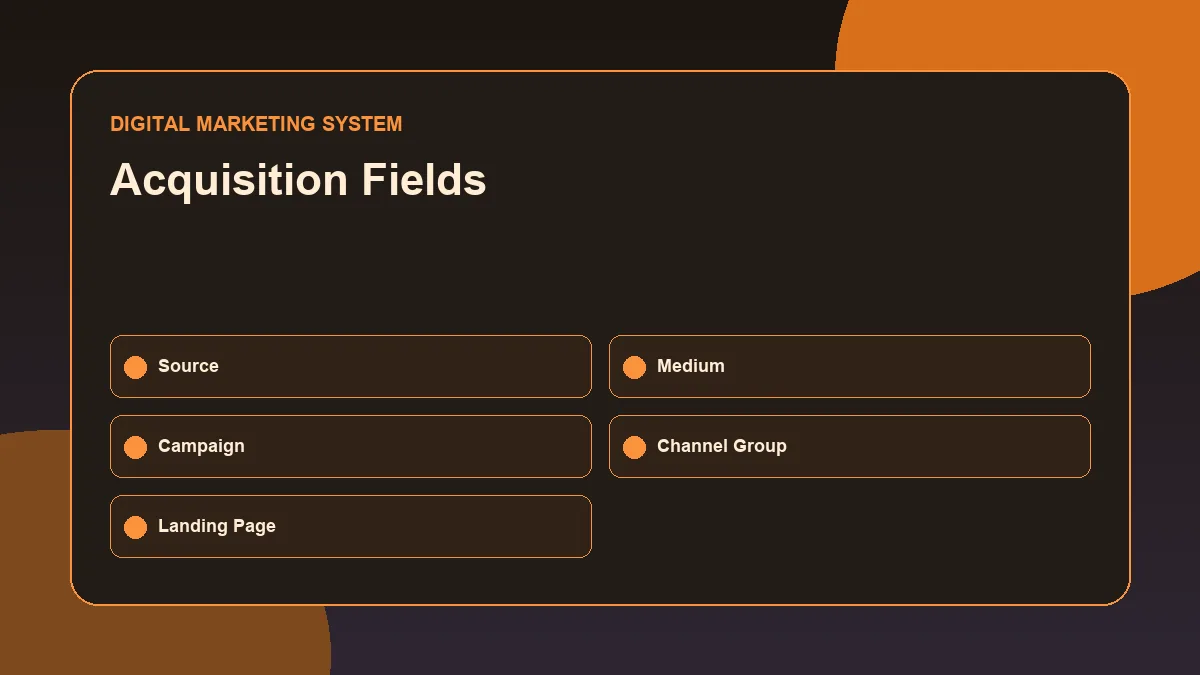
This visual connects source, medium, campaign, channel group and landing page fields before the report is turned into a performance insight.
Source, medium, campaign, and channel grouping are essential for performance marketing analysis.
Source explains where the traffic came from. Medium explains the type of traffic. Campaign explains the specific marketing campaign. Channel grouping categorizes traffic into broader groups.
Examples:
| Dimension | Example | Meaning |
|---|---|---|
| Source | Traffic came from Google | |
| Medium | organic | Traffic came through organic search |
| Source / medium | google / organic | Google organic search traffic |
| Medium | cpc | Paid click traffic |
| Campaign | summer_offer | Traffic from a specific campaign |
| Channel group | Paid Search | Traffic classified into a paid search channel |
GA4 also uses scopes such as “First user” and “Session” to clarify whether acquisition data refers to the user’s first source or a specific session source. Google explains that user-scoped dimensions show where new users came from, while session-scoped dimensions show where sessions came from. ([Google Help][4])
This distinction is important because reporting mistakes often happen when user-level and session-level data are mixed without understanding the scope.
Review Campaign Naming and UTM Consistency
Performance marketing reports become weak when campaign naming is inconsistent.
For example, these campaign values may all describe similar traffic but appear separately in reports:
- fb
- meta
- MetaAds
- paid-social
This makes reporting harder.
A clean UTM structure helps keep campaign analysis organized. The Google Analytics traffic-source documentation explains source, medium, campaign data, manual tagging, and auto-tagging for campaign reporting.
A simple UTM naming system may include:
| UTM Parameter | Purpose | Example |
|---|---|---|
| utm_source | Platform or source | google, meta, linkedin |
| utm_medium | Traffic type | cpc, paid_social, email |
| utm_campaign | Campaign name | lead_gen_june |
| utm_content | Creative or variation | video_ad_01 |
| utm_term | Keyword or audience detail | seo_services |
GA4 can collect traffic-source data through manual tagging with UTM parameters or integrations and auto-tagging, depending on the platform setup. ([Google Help][2])
In a practical reporting workflow, UTM review should happen before performance conclusions. If campaign names are messy, the analysis may be misleading.
Analyze Landing-Page Performance
After reviewing traffic sources, the next step is landing-page analysis.
A landing page is often the first page a user sees after clicking a search result, ad, social post, email link, or referral link.
Landing-page analysis helps answer:
- Which pages received traffic?
- Which pages attracted engaged sessions?
- Which pages supported key events?
- Which pages had weak engagement?
- Which campaign traffic landed on which page?
- Does the page match the user’s intent?
For performance marketing, landing pages matter because campaign success depends on more than traffic. A campaign can bring users, but if the landing page has weak message match, unclear CTA, slow loading, or poor mobile usability, performance may suffer.
A landing-page review should include both data and page observation.
Useful checks include:
| Area | What to Review |
|---|---|
| Traffic | Which sources sent users to the page? |
| Engagement | Did users interact meaningfully? |
| Key events | Did important actions happen? |
| Message match | Does the page match the ad or search intent? |
| CTA clarity | Is the next action clear? |
| Mobile experience | Is the page easy to use on mobile? |
| Tracking | Are important clicks and forms tracked properly? |
GA4 can point to a problem, but the page itself needs manual review to understand why the problem may exist.
Understand Events and Key Events
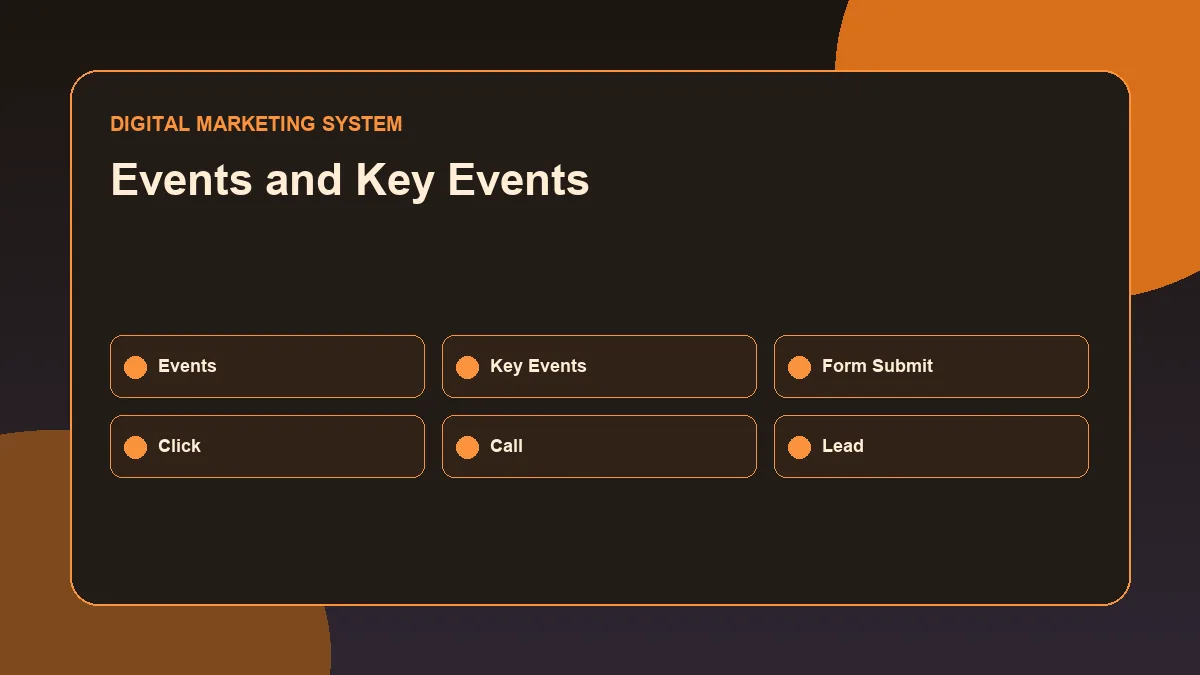
The visual separates everyday interactions from actions that may be marked as key events for business reporting.
GA4 is event-based, so reporting depends heavily on events.
An event is a user interaction. Examples may include page views, clicks, form submissions, video interactions, scrolls, file downloads, or custom actions depending on the tracking setup.
A key event is an event that measures an action important to the business. Google defines a key event as an event that measures an action especially important to business success, and any collected event can become a key event if it is identified and marked accordingly. ([Google Help][5])
For a service business website, possible key events may include:
- Contact form submission
- Phone number click
- WhatsApp click
- Email click
- Booking form submission
- Lead form completion
- Consultation request
- Important file download
The key point is this: not every event is equally important.
A scroll event may show engagement, but a form submission may show stronger business intent. A phone click may be more valuable than a page view. A WhatsApp click may matter more than a generic button click.
A GA4 reporting workflow should separate normal events from key events.
Compare Reporting Periods
A single report period gives information. A comparison gives context.
For example, this month’s traffic may look good, but the real question is whether it improved or declined compared with the previous period.
Common comparisons include:
- This month vs previous month
- Last 7 days vs previous 7 days
- Campaign period vs pre-campaign period
- Paid traffic before and after landing-page changes
- SEO traffic after new content publication
- Social traffic before and after content calendar changes
When comparing periods, avoid jumping to conclusions too quickly.
A change may be caused by:
- Campaign budget changes
- Tracking changes
- Seasonality
- Website updates
- Landing-page edits
- New content publication
- Campaign pause or launch
- UTM naming changes
- Technical issues
- Low data volume
Comparison is useful, but interpretation matters.
Convert GA4 Data into Marketing Insights
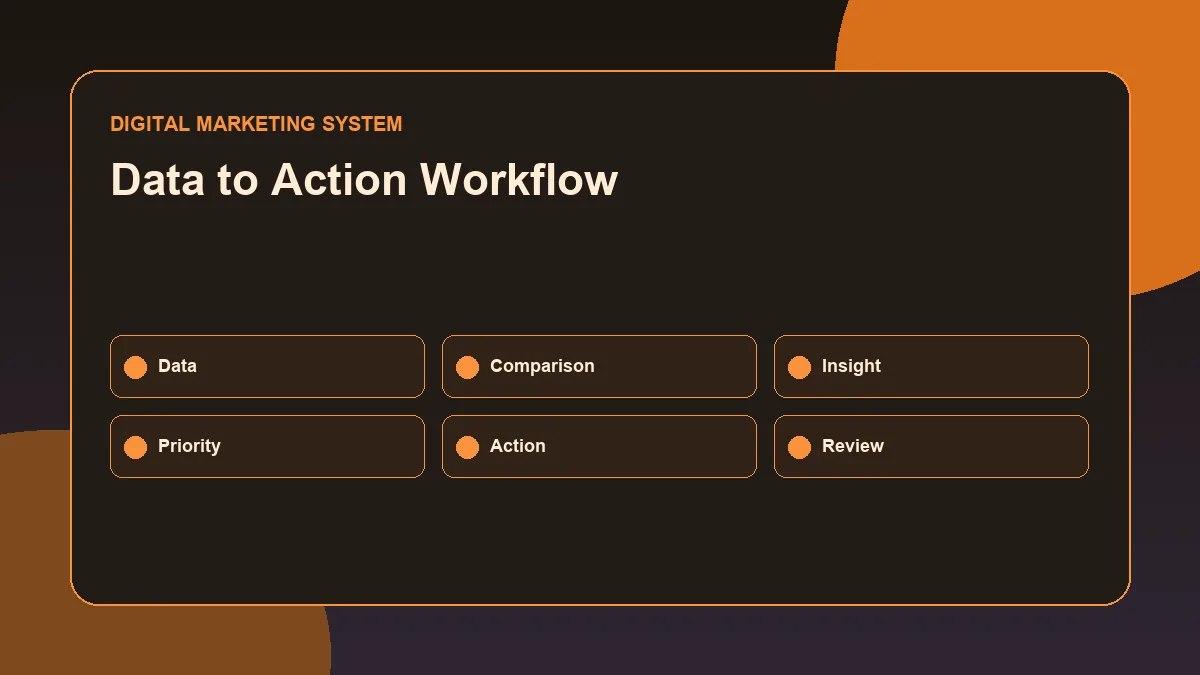
The workflow shows how reporting becomes useful only when data leads to interpretation, action and a follow-up review.
A report becomes valuable when it explains what should be done next.
Data point: Paid social traffic increased. Better insight: Paid social brought more sessions, but landing-page engagement was weak. Review message match and CTA clarity before increasing budget.
Data point: Organic search brought engaged users. Better insight: Organic search traffic is showing useful engagement. Strengthen SEO content and internal links around high-intent pages.
Data point: Key events are low. Better insight: Traffic is arriving, but important actions are not happening. Review tracking setup, landing-page CTA, form friction, and offer clarity.
Data point: Campaign names are inconsistent. Better insight: UTM naming needs cleanup before campaign-level analysis can be trusted.
Performance reporting should move through this path:
Data → Pattern → Interpretation → Action → Follow-up check
Without action, reporting is only documentation.
Practical GA4 Reporting Workflow
Use this workflow for a performance marketing analysis.
Step 1: Define the Reporting Objective
Start by writing the purpose of the report.
Example: “The purpose of this report is to understand which traffic sources and landing pages contributed to lead-related actions during the selected period.”
Step 2: Select the Reporting Period
Choose the date range and comparison period.
Example:
- Current month vs previous month
- Campaign period vs previous campaign period
- Last 30 days vs previous 30 days
Step 3: Review Acquisition
Check where users and sessions came from.
Focus on:
- Default channel group
- Source / medium
- Campaign
- Paid vs organic traffic
- New vs returning users where relevant
Step 4: Review Campaign Naming
Check whether campaign values are clean and consistent.
If UTMs are inconsistent, document the issue before making campaign conclusions.
Step 5: Review Landing Pages
Identify which landing pages received traffic and how they performed.
Look for:
- High traffic but weak engagement
- Low traffic but strong key event activity
- Campaign traffic going to the wrong page
- Pages with unclear next steps
- Pages that need CRO review
Step 6: Review Events
Check which events users completed.
Separate general engagement events from business-critical interactions.
Step 7: Review Key Events
Check whether important actions are marked and reported as key events.
Google notes that to measure a key event, the event must be created or identified and then marked as a key event. ([Google Help][6])
Step 8: Compare Performance
Compare with the previous period to identify change.
Ask:
- What improved?
- What declined?
- What stayed flat?
- What changed in campaigns, content, or tracking?
Step 9: Write Insights
Summarize the meaning of the data.
Avoid writing only numbers. Explain what the numbers suggest.
Step 10: Recommend Actions
End with clear next steps.
Examples:
- Fix UTM naming before the next campaign.
- Improve landing-page CTA visibility.
- Review low-engagement paid traffic.
- Strengthen SEO pages bringing engaged users.
- Check key event setup for form submissions.
- Build a Looker Studio dashboard for recurring reporting.
Common GA4 Reporting Mistakes
One common mistake is reporting too many metrics without explaining what they mean.
Another mistake is treating all traffic as equal. A source that brings fewer users may still be more valuable if those users complete important actions.
A third mistake is ignoring campaign naming. If UTMs are inconsistent, reports may split the same campaign into multiple rows.
Other common mistakes include:
- Confusing user acquisition and traffic acquisition
- Ignoring session-scoped dimensions
- Reporting events without identifying key events
- Making decisions from low data volume
- Comparing periods without checking campaign changes
- Ignoring landing-page quality
- Looking only at traffic instead of actions
- Not documenting tracking limitations
- Assuming GA4 data explains everything without page review
- Not checking whether important events are actually firing
GA4 reporting should be careful, not overconfident.
GA4 Reporting Checklist for Performance Marketing
Use this checklist before preparing a report.
| Checkpoint | Question |
|---|---|
| Objective | Is the reporting goal clear? |
| Date range | Is the period and comparison period selected? |
| Acquisition | Are traffic sources reviewed? |
| Campaigns | Are UTM and campaign names consistent? |
| Landing pages | Are entry pages reviewed? |
| Events | Are important interactions visible? |
| Key events | Are business-critical actions marked correctly? |
| Segmentation | Are channels or campaigns separated where needed? |
| Insights | Are patterns explained clearly? |
| Actions | Are next steps recommended? |
| Limitations | Are tracking or data issues documented? |
This checklist keeps GA4 reporting focused on decisions instead of dashboards alone.
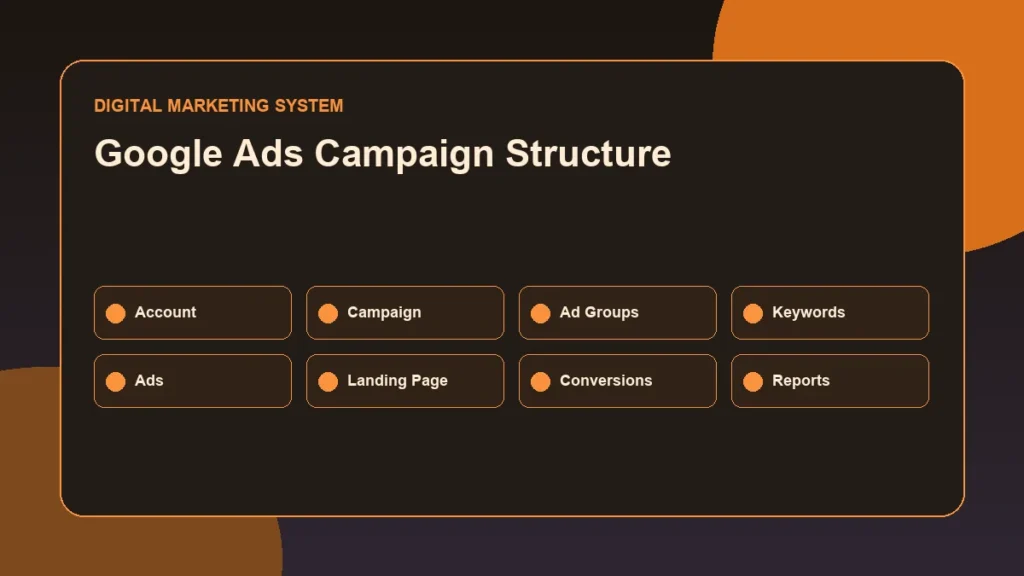
A Google Ads campaign reporting example helps connect campaign planning with traffic quality, conversion actions, landing-page review and optimization decisions.
Conclusion
A GA4 reporting workflow helps turn analytics data into performance marketing decisions.
The workflow starts with a clear objective, then moves through acquisition, campaign naming, landing-page performance, events, key events, comparison, insight, and action.
For performance marketing, GA4 is not only a reporting tool. It is a decision-support system. It helps identify where traffic came from, how users behaved, which important actions happened, and what should be improved next.
The strongest reports are not the longest reports. They are the reports that explain what changed, why it matters, and what action should happen next.
FAQs
What is a GA4 reporting workflow?
A GA4 reporting workflow is a structured process for reviewing Google Analytics 4 data, including acquisition, campaigns, landing pages, events, key events, comparisons, insights, and recommended marketing actions.
Which GA4 report is useful for performance marketing analysis?
Traffic acquisition, landing pages, events, and key event-related reports are useful for performance marketing analysis. The exact report depends on the campaign objective and tracking setup.
What are key events in GA4?
Key events are important user actions that matter to business success. Examples may include form submissions, phone clicks, WhatsApp clicks, purchases, or booking requests depending on the website.
Why are UTMs important for GA4 reporting?
UTMs help identify campaign source, medium, campaign name, content, and keyword details. Clean UTM naming makes campaign performance easier to analyze.
How do landing pages connect to performance marketing reporting?
Landing pages show where users begin their website sessions. Reviewing landing-page performance helps identify whether campaign traffic is reaching the right page and whether the page supports user action.
Can GA4 reports alone explain campaign performance?
No. GA4 reports show useful patterns, but performance analysis should also include campaign settings, landing-page review, tracking checks, offer clarity, and business context.
Next Step
Explore the Performance Marketing Resource Hub for related campaign and reporting guides, or review the Performance Marketing Guide to understand how tracking, analysis, and optimization connect in a complete performance marketing system.
Related Performance Marketing Resources
- Performance Marketing Resource Hub
- Performance Marketing Guide
- Conversion Tracking Basics
- Google Ads Campaign Structure
- Landing Page Optimization for Paid Ads
For practical campaign planning, reporting, analytics or website support, review the digital marketing services page or contact Deepak Ramachandran.