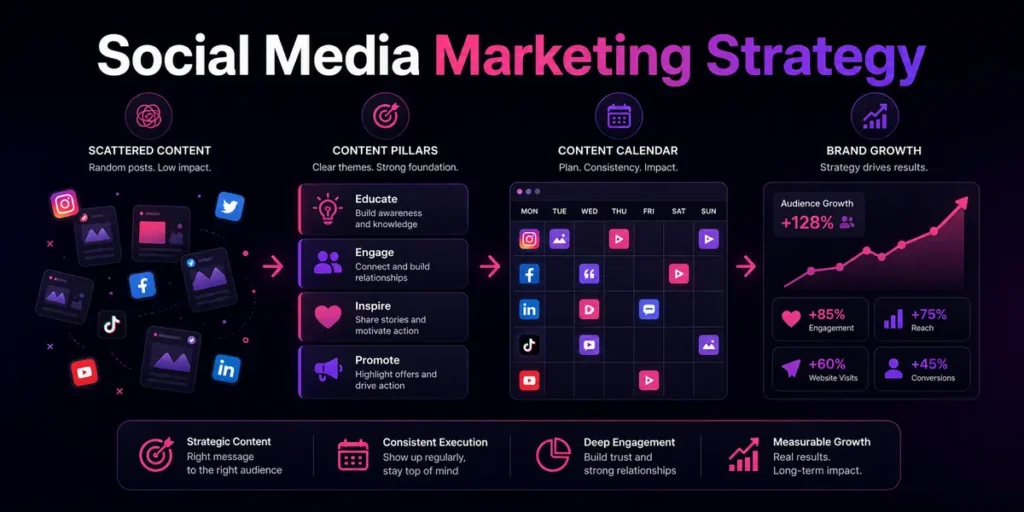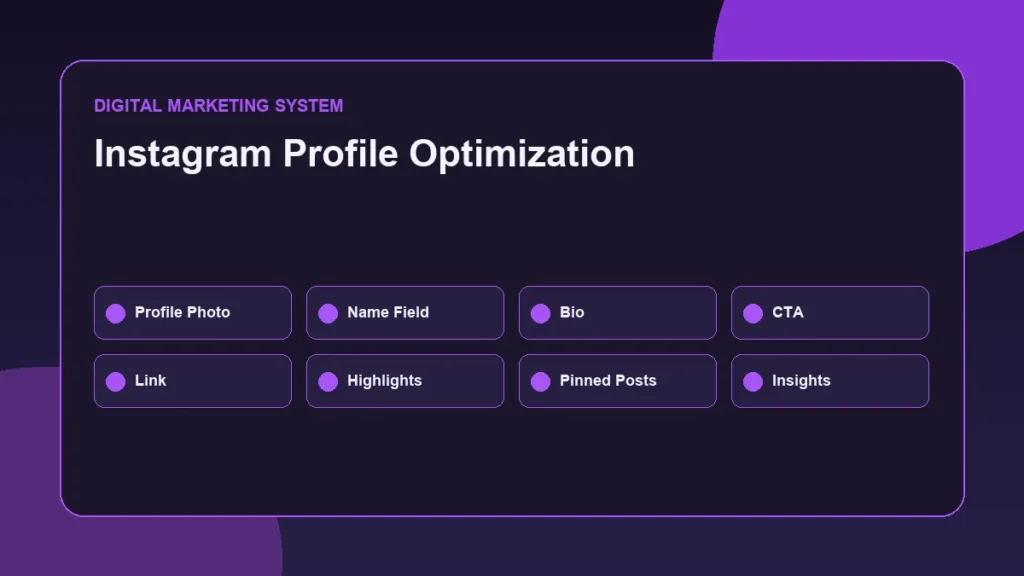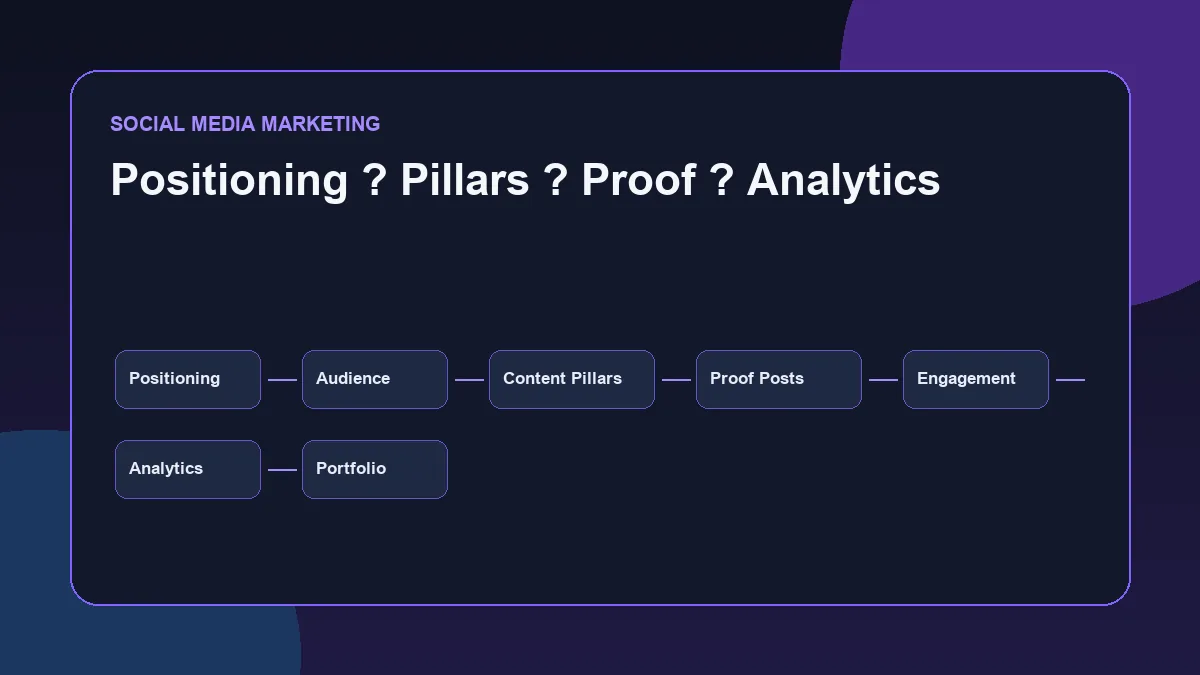
A strong LinkedIn presence is not built by posting random tips, motivational lines, or copied marketing advice. It is built through a clear LinkedIn Content System that shows what a professional understands, how they think, what they can implement, and how their work connects to business outcomes.
A LinkedIn Content System is a repeatable process for planning, creating, publishing, engaging with, measuring, and improving professional LinkedIn content so that a digital marketing profile shows positioning, skill evidence, proof of work, and practical thinking over time.
For a digital marketing professional, LinkedIn content should not only create visibility. It should also create trust.
The purpose is not to sound like an influencer. The purpose is to document practical thinking, explain useful ideas, share implementation proof, and build a professional identity that recruiters, clients, peers, and business owners can understand.
A good LinkedIn content system answers a simple question:
What should people understand about your skills after reading your posts for 30 days?
If the answer is unclear, the content system needs structure.
Why a LinkedIn Content System Matters
LinkedIn is a professional platform, so content should support professional identity.
For digital marketing, this matters because skills are often easier to trust when they are documented. A profile may list SEO, social media marketing, Google Ads, analytics, or performance marketing skills. But content can show how those skills are understood and applied.
A structured content system helps with:
- Professional positioning
- Recruiter visibility
- Portfolio proof
- Networking
- Skill documentation
- Topic authority
- Content consistency
- Better engagement quality
- Clearer profile visits
- Stronger personal credibility
LinkedIn’s own help resources explain that members can access analytics for posts, combined post performance, audience insights, profile viewers, and search appearances, which makes measurement part of a professional content workflow. (LinkedIn analytics)
That does not mean content should be written only for metrics. It means content can be reviewed and improved instead of published blindly.
What Is a LinkedIn Content System?
A LinkedIn content system is a repeatable process for planning, creating, publishing, engaging with, measuring, and improving LinkedIn content.
It is different from random posting.
Random posting usually looks like this:
- Posting only when motivation appears
- Copying generic tips
- Sharing disconnected thoughts
- Using trendy hooks without substance
- Talking about too many topics
- Ignoring audience needs
- Not tracking what works
- Not connecting content to profile or portfolio
A LinkedIn content system is more structured.
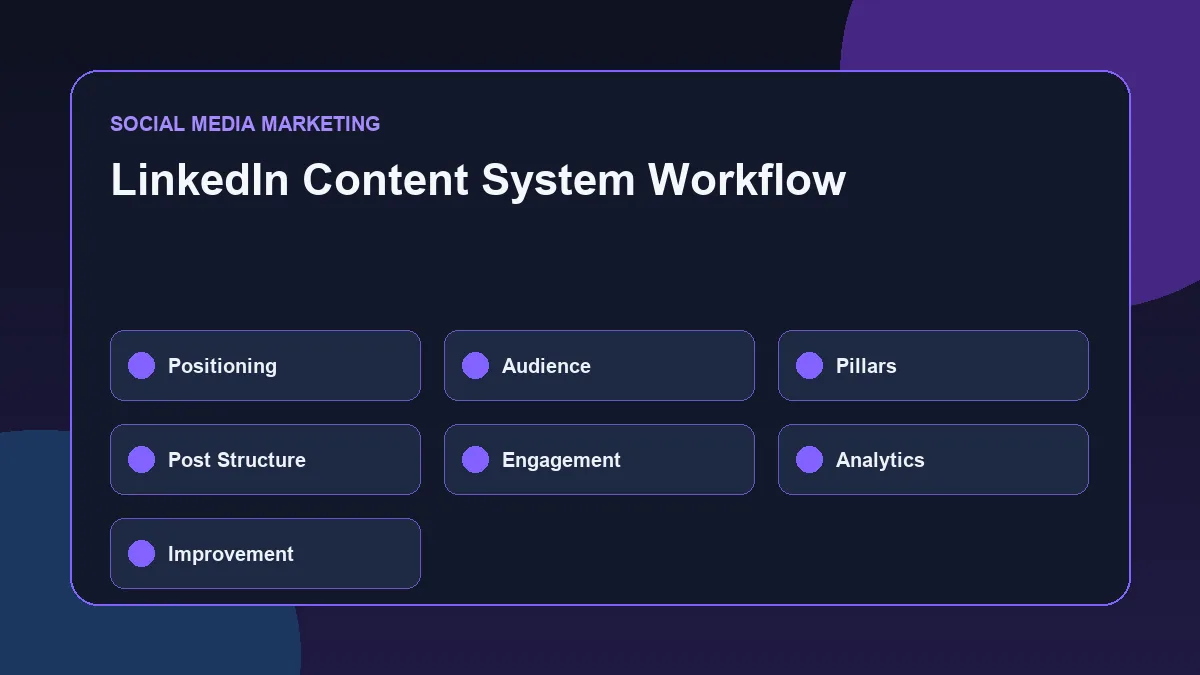
It includes:
| System Area | Purpose |
|---|---|
| Positioning | Defines how you want to be understood |
| Audience | Clarifies who the content is for |
| Content pillars | Organizes repeatable themes |
| Post structure | Makes posts easier to write and read |
| CTA strategy | Guides useful engagement |
| Publishing rhythm | Builds consistency |
| Engagement | Creates professional conversations |
| Measurement | Tracks useful signals |
| Repurposing | Converts existing work into content |
| Improvement | Uses feedback and analytics to refine future posts |
A system does not make content robotic. It makes content intentional.
Start with Professional Positioning
Positioning is the foundation of a LinkedIn content system.
Before deciding what to post, define what your LinkedIn presence should communicate.
For a digital marketing professional, positioning may include:
- SEO implementation
- Performance marketing thinking
- Website optimization
- Social media strategy
- Analytics and reporting
- Campaign planning
- Landing-page improvement
- Content systems
- Practical digital marketing execution
The positioning should be specific enough to build trust.
A weak positioning statement sounds broad:
“I post about digital marketing.”
A stronger positioning statement is more focused:
“I document practical SEO, website optimization, analytics, social media, and performance marketing systems with a focus on implementation and measurable growth.”
This kind of positioning helps people understand the direction clearly.
Professional positioning should avoid inflated claims. It should not say “expert,” “guru,” or “industry leader” unless there is evidence to support those claims. Strong positioning can be confident without exaggeration.
Define the Right Audience
A LinkedIn content system should be built for a clear audience.
For digital marketing positioning, the audience may include:
- Recruiters hiring for digital marketing roles
- Marketing managers
- Agency owners
- Small business owners
- Digital marketing peers
- Course mentors
- Freelance prospects
- Local business decision-makers
- Professionals interested in SEO, ads, analytics, and content
Each audience looks for different signals.
Recruiters may look for clarity, consistency, communication, proof of work, and role fit.
Business owners may look for practical understanding, trust, and problem-solving ability.
Marketing peers may look for useful frameworks, observations, and execution quality.
The content should not try to impress everyone. It should repeatedly communicate the same professional direction to the right people.
Build Clear Content Pillars
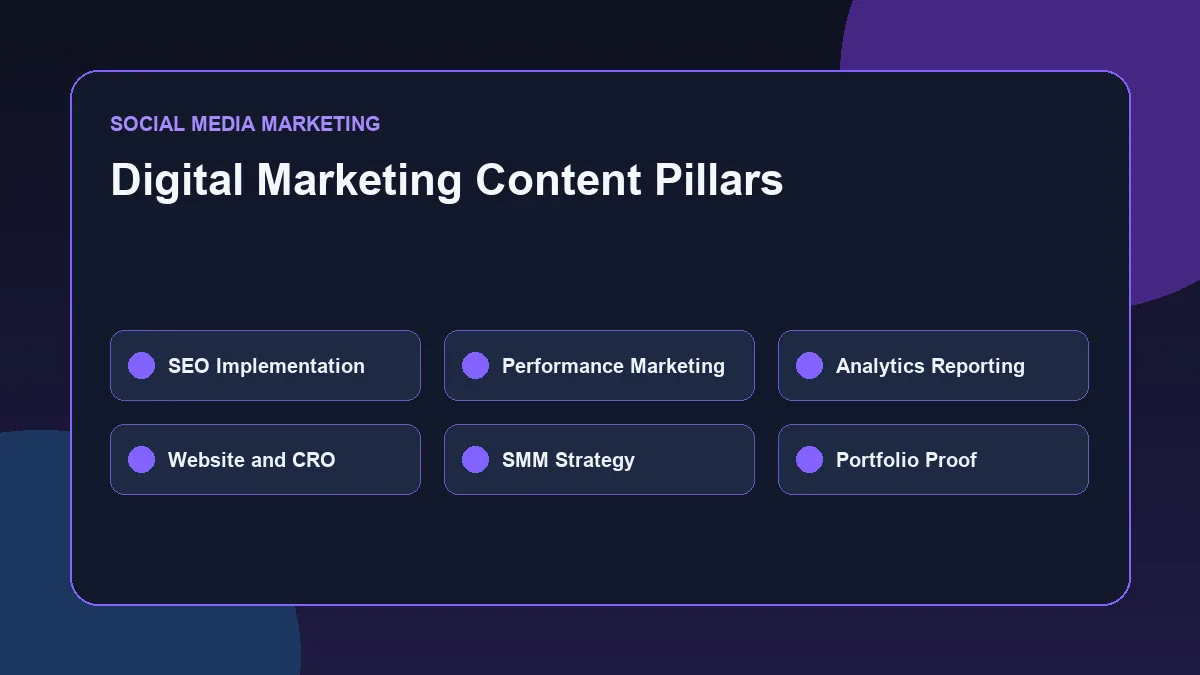
Content pillars are recurring themes that make LinkedIn content easier to plan.
A digital marketing professional does not need ten pillars. Four to six strong pillars are usually enough.
For example:
| Content Pillar | Purpose | Example Post Angle |
|---|---|---|
| SEO implementation | Shows search visibility knowledge | How internal links support topical authority |
| Performance marketing | Shows campaign and funnel thinking | Why traffic alone does not mean performance |
| Analytics and reporting | Shows measurement ability | How GA4 reports turn data into action |
| Website and CRO | Shows conversion thinking | Why contact forms are conversion points |
| Social media strategy | Shows structured content thinking | Why random posting does not build positioning |
| Portfolio proof | Shows practical execution | Breakdown of a website or content system implementation |
These pillars create a repeatable system.
Proof-of-Work Content
Proof-of-work content shows what has been implemented, planned, audited, structured, or documented.
For digital marketing, proof-of-work content may include:
- Website structure screenshots
- SEO checklist implementation
- Internal linking maps
- Blog calendar planning
- GA4 reporting workflow
- Landing-page analysis
- Content calendar examples
- Social media profile optimization
- Campaign structure breakdowns
- Case-study-style explanations without fake results
Proof-of-work does not require exaggerated claims. It can show the process, decision-making, structure, and reasoning behind the work.
For example:
“Here is how I structured an SEO blog cluster around a resource hub, pillar guide, and supporting articles.”
That kind of post shows implementation thinking without pretending to have client results.
Educational Content
Educational content explains a concept clearly.
For example:
- What is search intent?
- Why does internal linking matter?
- How do UTMs support campaign reporting?
- What is the difference between events and key events in GA4?
- Why do landing pages affect paid ads performance?
Educational posts should be practical. They should not become textbook summaries.
A strong educational post explains:
- What the concept means
- Why it matters
- Where it applies
- What mistake to avoid
- What action to take next
Reflection Content
Reflection content shows professional thinking.
This does not mean writing emotional or motivational posts every day. It means explaining what a project, audit, post, or campaign structure made clear.
Examples:
- “What a contact form taught me about conversion paths”
- “Why a content calendar is not just a posting schedule”
- “What I noticed while mapping internal links across SEO blogs”
- “Why reporting should end with action, not screenshots”
Reflection content works best when it is connected to implementation.
The format can be:
Observation → Lesson → Practical application → Next step
Portfolio and Website Content
LinkedIn should connect with a professional portfolio.
For a digital marketing website, useful LinkedIn posts can come from:
- Published blogs
- Resource hubs
- SEO guide sections
- Case-study-style posts
- Website improvements
- Checklists
- Internal linking maps
- Reporting workflows
- Social media content systems
- Landing-page breakdowns
The goal is not to repeatedly promote the website. The goal is to use the website as a source of structured professional proof.
For example, a blog about a GA4 reporting workflow can become:
- One educational post about reporting objectives
- One carousel about acquisition, landing pages, events, and actions
- One reflection post about why dashboards need interpretation
- One checklist post for performance marketing reporting
One strong blog can support multiple LinkedIn posts.
Use a Repeatable LinkedIn Post Structure
A repeatable post structure makes writing easier and keeps content focused.
A useful structure for professional digital marketing content is:
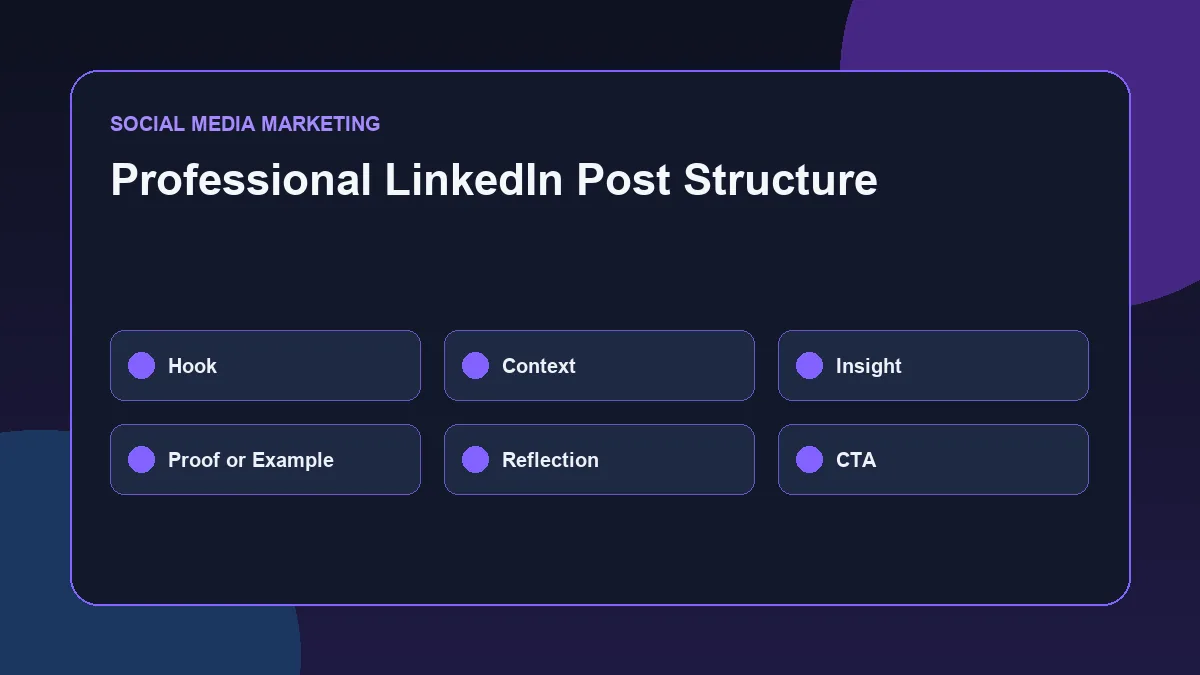
Hook → Context → Insight → Proof or Example → Reflection → CTA
Hook
The hook should make the reader understand the topic quickly.
Good hooks are specific:
- “Random posting does not build professional positioning.”
- “A landing page is not only a design asset. It is a conversion system.”
- “GA4 reports are useful only when they lead to action.”
- “Internal links are not just SEO links. They are website structure signals.”
Avoid exaggerated hooks:
- “This one trick changed everything.”
- “Most marketers are doing this wrong.”
- “Nobody talks about this.”
- “This secret will transform your career.”
Context
Context explains why the topic matters.
Example:
“Many business websites publish blogs but do not connect them to hubs, pillar pages, or service pages. This makes useful content harder to discover and weaker as an SEO system.”
Insight
The insight is the main idea.
Example:
“Internal linking works best when each page has a clear role: hub, pillar, cluster, or proof.”
Proof or Example
This section makes the post practical.
Example:
“A simple structure can look like this: Homepage → SEO Resource Hub → SEO Guide → Internal Linking Strategy → SEO Audit Example.”
Reflection
Reflection connects the idea to professional thinking.
Example:
“This is why content planning should include link planning before publishing, not only after the article is live.”
CTA
The CTA should invite useful engagement.
Example:
“What do you usually check before publishing a new blog: title, links, images, or schema?”
This structure keeps LinkedIn posts clear without sounding robotic.
CTA Strategy for Professional LinkedIn Content
A CTA is not always a sales message.
For professional LinkedIn content, CTAs should encourage meaningful responses, profile visits, portfolio checks, or practical conversations.
Useful CTA types include:
| CTA Type | Purpose | Example |
|---|---|---|
| Engagement CTA | Encourages comments | “What would you add to this checklist?” |
| Reflection CTA | Encourages thoughtful replies | “Have you noticed this issue on business websites?” |
| Authority CTA | Encourages sharing | “Save this if you review landing pages or SEO blogs.” |
| Portfolio CTA | Connects to proof | “I documented the full workflow on my website.” |
| Soft conversion CTA | Opens professional contact | “If your business website needs a clearer SEO structure, you can review my services or contact page.” |
The CTA should match the post.
A technical SEO post may ask for implementation feedback. A portfolio post may point to the website. A career-focused post may invite recruiters to review work samples.
The CTA should not sound desperate, aggressive, or overly promotional.
Publishing Consistency Without Random Posting
Consistency matters, but consistency does not mean posting anything just to stay active.
A practical LinkedIn publishing rhythm may include:
- Two to four posts per week
- One proof-of-work post
- One educational post
- One reflection post
- One repurposed blog or checklist post
The exact frequency depends on available time and content quality.
A weekly content structure can look like this:
| Day | Content Type | Example |
|---|---|---|
| Monday | Educational post | What makes a useful SEO content structure |
| Wednesday | Proof-of-work post | Internal linking map from a website blog system |
| Friday | Reflection post | What GA4 reporting teaches about marketing decisions |
| Weekend | Repurposed content | Checklist from a published blog |
This keeps content balanced.
The goal is to become predictable in topic quality, not repetitive in wording.
Engagement Quality and Networking
LinkedIn content should not be treated as a one-way broadcast.
Engagement matters because professional relationships are built through conversations.
Quality engagement includes:
- Commenting on relevant posts
- Adding practical observations
- Asking thoughtful questions
- Responding to comments on your own posts
- Connecting with people in the same field
- Following recruiters, agencies, marketers, and business owners
- Avoiding spammy DMs
- Avoiding generic comments like “Great post”
A useful comment can be simple:
“This connects with landing-page message match. If the ad promise and page headline do not align, traffic quality becomes harder to judge.”
That type of comment shows thinking.
Professional engagement should support the same positioning as the content.
Measuring LinkedIn Content Performance
LinkedIn content should be measured, but not judged only by likes.
Professional content often has a different purpose from entertainment content. A post may receive fewer reactions but still attract profile visits, recruiter attention, useful comments, or website clicks.
LinkedIn Help states that members can access post analytics for individual posts, including text posts, images, videos, events, polls, and articles. These analytics help review reach, trends, and audience demographics for individual posts. (LinkedIn post analytics)
LinkedIn also provides combined post analytics and audience analytics, including the ability to review trends over selected date ranges and export analytics to an .XLSX file. ([LinkedIn][3])
Useful metrics to review include:
| Metric or Signal | What It Helps Understand |
|---|---|
| Impressions | How many times content was viewed |
| Engagements | Whether people interacted with the content |
| Comments | Whether the post started meaningful discussion |
| Profile views | Whether content encouraged profile interest |
| Search appearances | Whether the profile is appearing in relevant searches |
| Follower growth | Whether the audience is gradually expanding |
| Audience demographics | Whether content reaches relevant professionals |
| Website clicks | Whether LinkedIn supports portfolio visits |
| Saves or shares | Whether the post is useful enough to revisit or share |
The best measurement question is not “Did this post go viral?”
A better question is:
“Did this post strengthen the professional identity I want to build?”
Repurposing Blogs and Projects into LinkedIn Posts
Repurposing helps turn one strong piece of work into multiple useful LinkedIn posts.
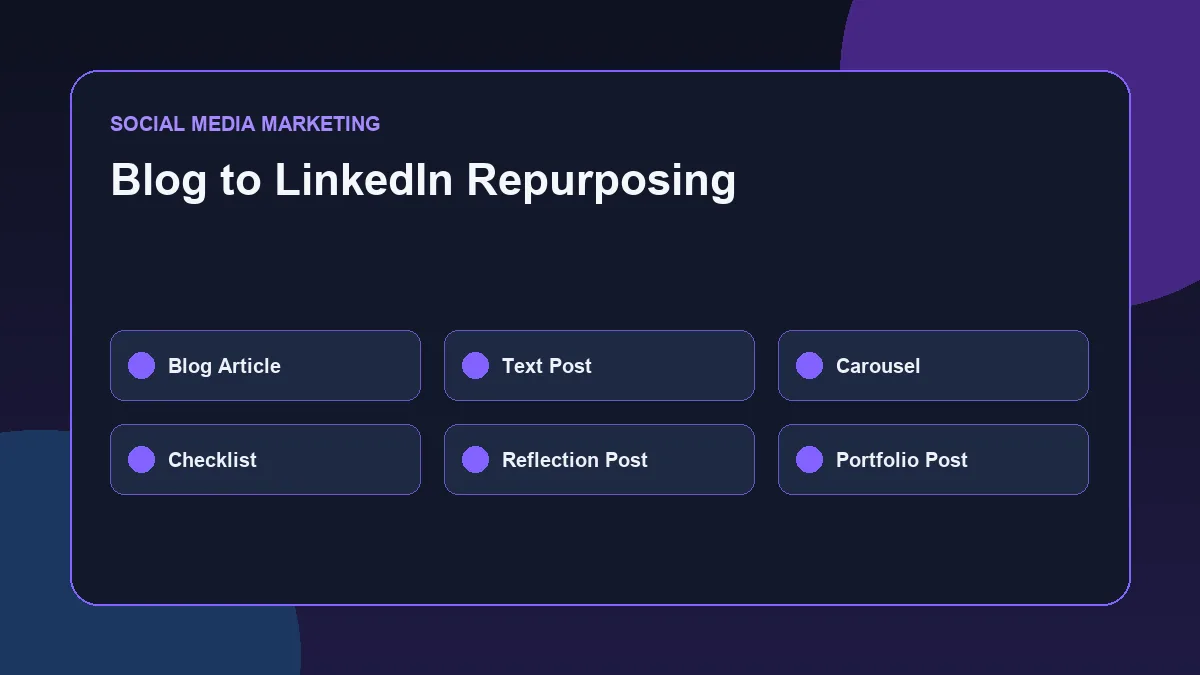
For example, one blog about internal linking can become:
- A text post about why internal links matter
- A carousel explaining hub, pillar, cluster, and proof pages
- A checklist post for internal linking before publishing
- A reflection post about orphan pages
- A portfolio post showing the website’s SEO content structure
One GA4 reporting blog can become:
- A post about reporting objectives
- A workflow visual about data to action
- A checklist for campaign analysis
- A post explaining events and key events
- A reflection about why dashboards need interpretation
This makes LinkedIn content more sustainable.
Instead of inventing new topics every day, use real website work, blogs, audits, checklists, and implementation examples as content sources.
Practical LinkedIn Content Workflow
A professional LinkedIn content workflow can follow seven steps.
Step 1: Choose the Content Pillar
Pick one pillar before writing.
Example:
- SEO implementation
- Performance marketing
- Analytics
- Website optimization
- Social media strategy
- Portfolio proof
This prevents topic drift.
Step 2: Define the Post Objective
Decide what the post should do.
Possible objectives:
- Explain a concept
- Show proof of work
- Share a checklist
- Reflect on implementation
- Drive portfolio visits
- Start a professional conversation
- Support recruiter trust
Step 3: Choose the Format
Choose the best format for the idea.
Options include:
- Text post
- Carousel
- Screenshot breakdown
- Checklist
- Short video
- Document post
- Blog repurposing post
The format should match the content. Do not force a carousel if a text post explains the idea better.
Step 4: Write with a Clear Structure
Use a structure such as:
Hook → Context → Insight → Example → Reflection → CTA
Keep the post readable.
Use short paragraphs. Avoid dense blocks of text.
Step 5: Add Proof Where Possible
Proof can include:
- Screenshot
- Checklist
- Website section
- Blog excerpt
- Workflow diagram
- Before-and-after structure
- Content map
- Reporting sheet
- Campaign structure draft
Do not add fake proof. If the example is simulated, say it is simulated.
Step 6: Publish and Engage
After publishing, reply to comments and engage with related posts.
This helps turn content into conversation.
Step 7: Review Performance
Review post performance after a reasonable period.
Look at:
- Topic
- Hook
- Format
- Comments
- Profile visits
- Audience relevance
- Whether the post supports positioning
Then improve the next post.
Common LinkedIn Content Mistakes
The first mistake is posting without positioning. If the content covers too many unrelated topics, the audience will not know what the profile stands for.
The second mistake is copying generic marketing advice. Professional content should show original thinking, examples, and implementation context.
The third mistake is trying to sound more experienced than the evidence supports. It is better to show structured work honestly than to make inflated claims.
Other common mistakes include:
- Posting only motivational content
- Using exaggerated hooks
- Not connecting posts to a portfolio
- Ignoring comments
- Tracking only likes
- Not reviewing analytics
- Using too many hashtags
- Posting without a CTA
- Creating content only for reach
- Not repurposing existing work
- Mixing personal branding with unrelated content
- Writing long posts without clear structure
A strong LinkedIn content system is not loud. It is clear, consistent, and useful.
LinkedIn Content System Checklist
Use this checklist before publishing a LinkedIn post.
| Checkpoint | Question |
|---|---|
| Positioning | Does this post support the professional identity I want to build? |
| Audience | Is the post useful for recruiters, marketers, businesses, or peers? |
| Pillar | Does it fit one clear content pillar? |
| Hook | Is the opening specific and relevant? |
| Context | Does the post explain why the topic matters? |
| Insight | Is there a clear main idea? |
| Proof | Is there an example, screenshot, checklist, or workflow? |
| CTA | Does the post invite useful engagement or action? |
| Tone | Does it sound professional, not exaggerated? |
| Measurement | Can the post be reviewed later for improvement? |
This checklist keeps LinkedIn content intentional.
A broader personal brand social media strategy connects LinkedIn positioning with Instagram, Facebook Page, content pillars, engagement and measurement.
Conclusion
A LinkedIn Content System helps digital marketing professionals build visibility with structure, not randomness.
The system starts with positioning, audience definition, content pillars, post structure, CTA strategy, publishing rhythm, engagement quality, measurement, and repurposing.
For professional digital marketing positioning, the goal is not to become an influencer. The goal is to show practical thinking, implementation ability, communication clarity, and a consistent direction.
When LinkedIn content is connected to real blogs, website work, SEO implementation, analytics workflows, and performance marketing thinking, it becomes more than content. It becomes a public portfolio layer.
FAQs
What is a LinkedIn Content System?
A LinkedIn Content System is a structured process for planning, creating, publishing, engaging with, measuring, and improving LinkedIn content around a clear professional positioning.
What should digital marketers post on LinkedIn?
Digital marketers can post about SEO implementation, campaign planning, analytics, reporting, landing-page optimization, content systems, social media strategy, portfolio work, and practical observations from projects or audits.
How can LinkedIn content help recruiter visibility?
LinkedIn content can help recruiters understand a professional’s thinking, skills, consistency, communication ability, and proof of work. It supports the profile by showing practical knowledge beyond a resume.
How often should professionals post on LinkedIn?
There is no fixed rule. A practical rhythm may be two to four quality posts per week, supported by meaningful engagement. Consistency should not come at the cost of relevance or quality.
Which LinkedIn metrics should be tracked?
Useful metrics include impressions, engagement, comments, profile views, search appearances, audience relevance, follower growth, website clicks, and post-level trends.
Should every LinkedIn post include a CTA?
Most professional posts should include a soft CTA, but it does not always need to be promotional. A CTA can ask a question, invite a practical response, suggest saving the post, or direct readers to a relevant portfolio resource.
Related Social Media Marketing Resources
- Social Media Marketing Strategy
- Instagram Profile Optimization Checklist
- Social Media Content Calendar
- Social Media Metrics
Next Step
Explore the Social Media Marketing Resource Hub for related content strategy guides, or review the Social Media Marketing Guide to understand how LinkedIn content fits into a broader professional social media system.