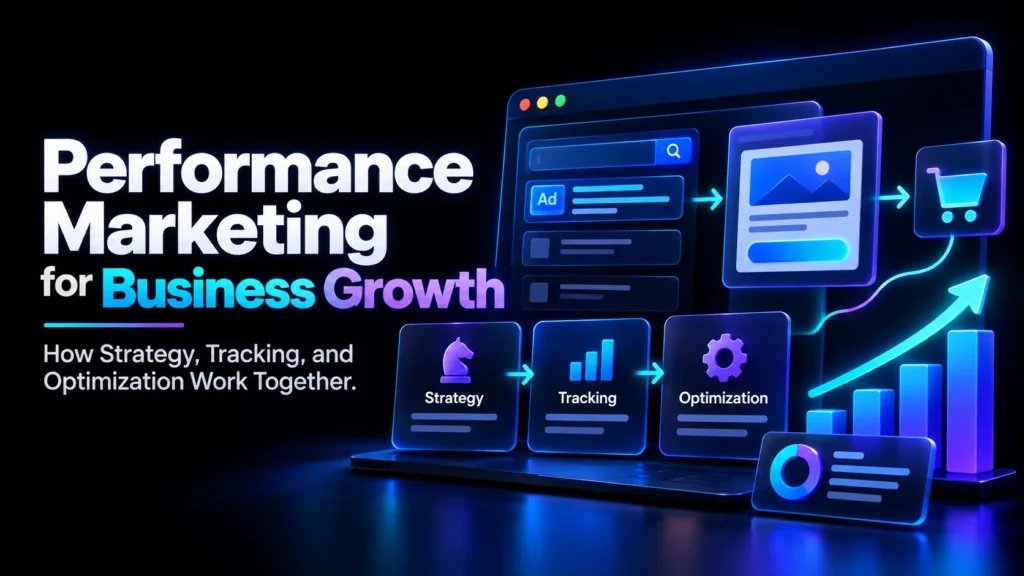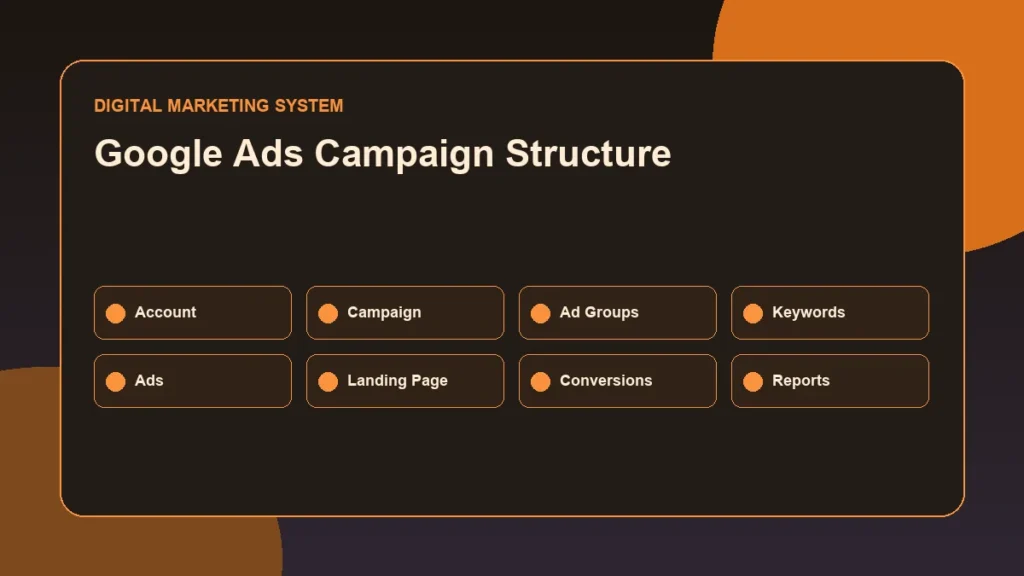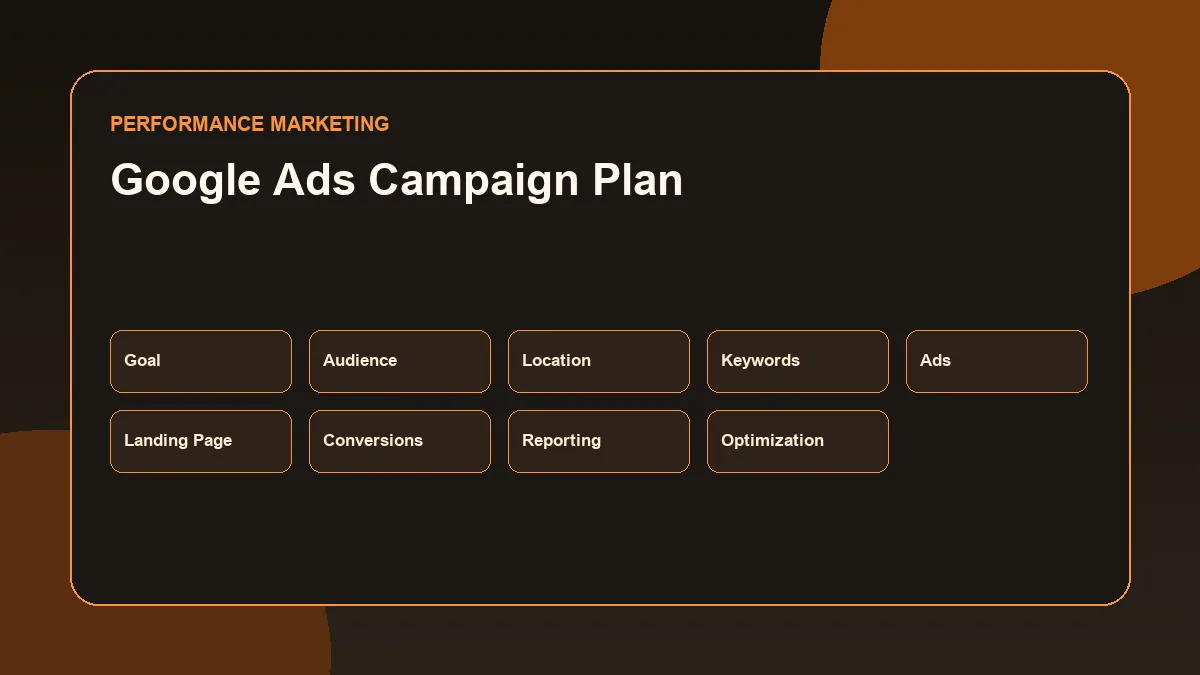
A Google Ads Campaign Plan is useful only when it connects the business goal, search intent, campaign structure, landing page, conversion tracking, budget, and reporting workflow.
A Google Ads Campaign Plan is a structured document that connects the campaign goal, target location, audience intent, keywords, ad groups, ad messaging, landing page, conversion tracking, budget assumptions, reporting metrics and optimization workflow before the campaign is launched.
Many small businesses think Google Ads starts with writing an ad and adding a budget. In reality, the campaign should start with a clear plan.
For a local service business, every click has to be treated carefully. The campaign should target the right location, use relevant keywords, send users to a focused landing page, track important actions, and review performance regularly.
Campaign Disclosure and Scope
This is a simulated strategy example created for portfolio and educational demonstration purposes.
This article does not present a real client campaign.
It does not claim:
- Live campaign results
- Advertising spend
- Leads generated
- Cost per lead
- Conversion-rate improvement
- Revenue
- Return on ad spend
- Google Ads account performance
- Client outcomes
The purpose is to show how a basic Google Ads Search campaign can be planned for a local service business.
The campaign example is designed for a fictional local home service business that wants to generate enquiries from people searching for services nearby.
Business Scenario for This Google Ads Campaign Plan
For this example, assume the business is a local home service provider.
Example business type: local AC repair and maintenance service Primary location: Thrissur and nearby service areas Main offer: AC repair, AC servicing, and emergency AC maintenance Primary business objective: generate qualified enquiries Main conversion paths: phone calls, WhatsApp messages, and contact form submissions
This type of business has clear local intent because users often search when they need help soon.
Example searches may include:
- AC repair near me
- AC service in Thrissur
- split AC repair service
- emergency AC technician
- AC maintenance service near me
The campaign should focus on high-intent search queries rather than broad awareness.
Campaign Goal
The main goal is local lead generation.
The campaign should focus on enquiries from people who are actively looking for AC repair or servicing in the target location.
Primary goal:
Generate qualified local service enquiries.
Secondary goals:
- Increase calls from high-intent users
- Increase WhatsApp enquiries
- Increase contact form submissions
- Identify which keyword themes bring useful enquiries
- Improve landing-page clarity
- Build reporting data for future optimization
Google Ads campaign planning should begin with the business goal because Google explains that campaign type selection depends on marketing goals, brand strategy, and how much time can be invested. (Google Ads campaign type guidance)
For this campaign, Search is the best starting point because the business wants to reach people already searching for the service.
Target Audience
The audience is not defined only by demographics. For a Search campaign, the strongest signal is search intent.
The target audience includes:
- Homeowners with AC repair needs
- Tenants looking for urgent AC service
- Small offices needing AC maintenance
- Local business owners managing AC systems
- People searching for service technicians nearby
- Users comparing local AC repair providers
- Users searching from mobile devices with immediate intent
The campaign should prioritize users who show action-based intent.
High-intent search behavior may include:
- “repair”
- “service”
- “technician”
- “near me”
- “emergency”
- “same day”
- “cost”
- “booking”
- “contact”
Low-intent searches may include:
- “how AC works”
- “AC repair course”
- “AC technician jobs”
- “DIY AC repair”
- “AC parts wholesale”
These searches may be useful for other content strategies, but they are not ideal for a lead-generation Search campaign.
Geographic Targeting
For a local service business, location targeting is critical.
Google Ads location targeting allows advertisers to choose target locations where ads can appear. (Google Ads location targeting documentation)
For this simulated campaign, the target location can be:
- Thrissur city
- Nearby serviceable areas
- A radius around the business location if service coverage is limited
- Separate location segments if the business wants to compare areas later
Example geographic plan:
| Location Segment | Purpose |
|---|---|
| Thrissur city | Main service area |
| Nearby towns | Secondary reach if the business can serve them |
| Radius around business location | Practical local coverage |
| Excluded distant areas | Prevent irrelevant enquiries |
The campaign should avoid targeting areas the business cannot serve.
If the business cannot handle enquiries from far locations, broader targeting may waste budget.
Recommended Campaign Type
The recommended campaign type for this example is a Google Search campaign.
Google Ads describes Search campaigns as a way to connect with potential customers when they are looking for what a business offers, using targeting such as keywords and demographics. (Google Ads Search campaign setup guide)
A Search campaign is suitable because:
- Users already show service intent
- Local service searches often happen close to purchase or enquiry
- Keywords can be grouped by service type
- Ads can be matched with landing-page sections
- Phone calls and form submissions can be tracked
- Search terms can be reviewed for optimization
This plan does not begin with Display or Demand Gen because the goal is not broad awareness.
This plan does not begin with Performance Max because the objective is to first build a controlled Search campaign structure, understand query quality, and review direct lead intent.
Performance Max may be considered later only after tracking, landing pages, conversion actions, and budget discipline are stronger.
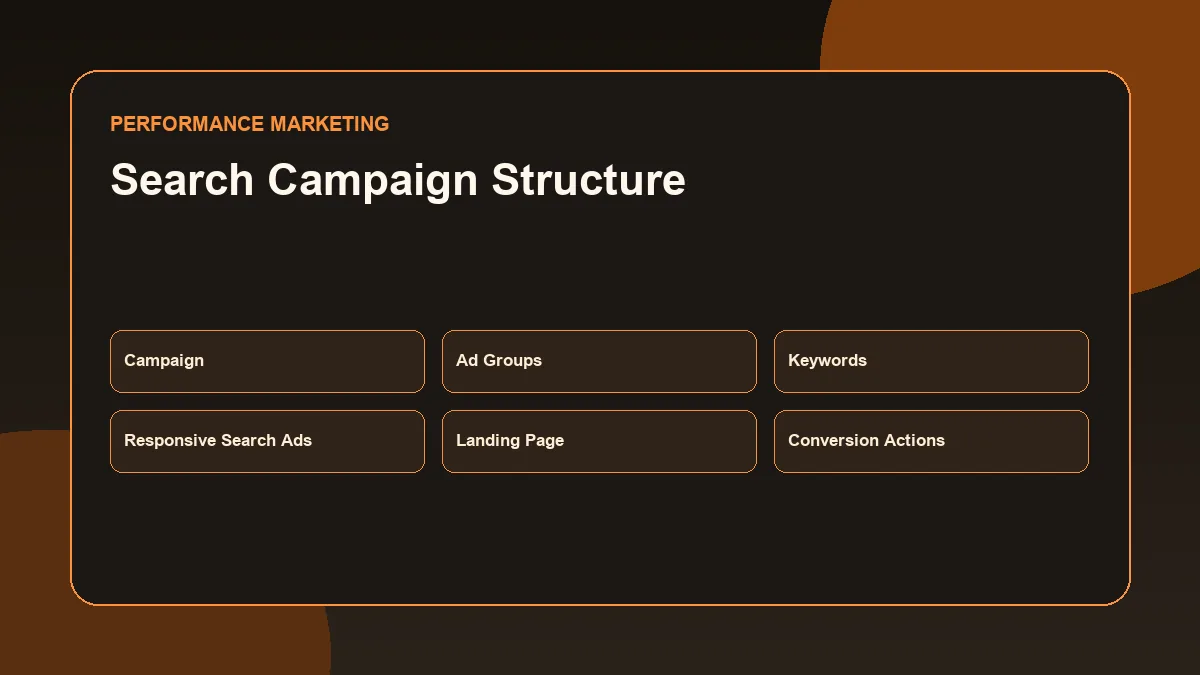
Campaign Structure
A practical Google Ads campaign needs a clean structure.
The structure should make it easy to understand:
- Which service is being advertised
- Which keywords belong together
- Which ad message matches each service
- Which landing page should receive the traffic
- Which conversions should be measured
- Which search terms should be excluded
Campaign Level
Campaign name:
`Search_Local_AC_Service_Thrissur_LeadGen`
Campaign type:
Search
Campaign objective:
Leads
Target location:
Thrissur and approved nearby areas
Language:
English and Malayalam consideration depending on ad copy and landing-page support
Daily budget:
Illustrative only — ₹300 to ₹800 per day depending on business readiness, service margin, and testing comfort
Bidding direction:
Start conservatively. Manual CPC or maximize clicks with strict monitoring may be used in early testing depending on account setup. Conversion-based bidding should be used only when conversion tracking is reliable and enough conversion data exists.
Google Ads explains that bid strategy choice depends on goals and whether the advertiser wants to focus on clicks, impressions, conversions, or views. (Google Ads bid strategy guidance)
Ad Group Level
Ad groups should be separated by service intent.
Example ad groups:
| Ad Group | Intent |
|---|---|
| AC Repair | Users looking for repair service |
| AC Service | Users looking for maintenance or general servicing |
| Emergency AC Repair | Users needing urgent support |
| Split AC Service | Users searching for a specific AC type |
| Commercial AC Service | Offices or small businesses needing service |
Each ad group should have keywords, ad copy, and landing-page message alignment.
Keyword Level
Keywords should be grouped by theme.
Google Ads keyword match types control how closely a keyword must match a user’s search query before an ad can be considered for the auction. (Google Ads keyword match types)
A simple campaign may use phrase and exact match first to control relevance.
Example:
| Match Type | Example |
|---|---|
| Phrase match | “ac repair thrissur” |
| Exact match | [ac repair thrissur] |
| Phrase match | “ac service near me” |
| Exact match | [ac service thrissur] |
Broad match can expand reach, but it should be used carefully, especially when the account has limited conversion data and the campaign is working with a small local budget.
Keyword Themes
The keyword plan should focus on local commercial intent.
Ad Group 1: AC Repair
Keyword examples:
- “ac repair thrissur”
- “ac repair near me”
- “air conditioner repair service”
- [ac repair thrissur]
- [ac technician thrissur]
Ad Group 2: AC Service
Keyword examples:
- “ac service thrissur”
- “ac service near me”
- “air conditioner service”
- [ac service thrissur]
- [ac maintenance service]
Ad Group 3: Emergency AC Repair
Keyword examples:
- “emergency ac repair”
- “urgent ac repair near me”
- “same day ac repair”
- [emergency ac repair thrissur]
Ad Group 4: Split AC Service
Keyword examples:
- “split ac service”
- “split ac repair near me”
- “split ac technician”
- [split ac service thrissur]
Ad Group 5: Commercial AC Service
Keyword examples:
- “commercial ac service”
- “office ac repair”
- “ac maintenance for office”
- [commercial ac service thrissur]
The keyword list should not be too large in the beginning.
A controlled campaign is easier to review, especially for a small local service business.
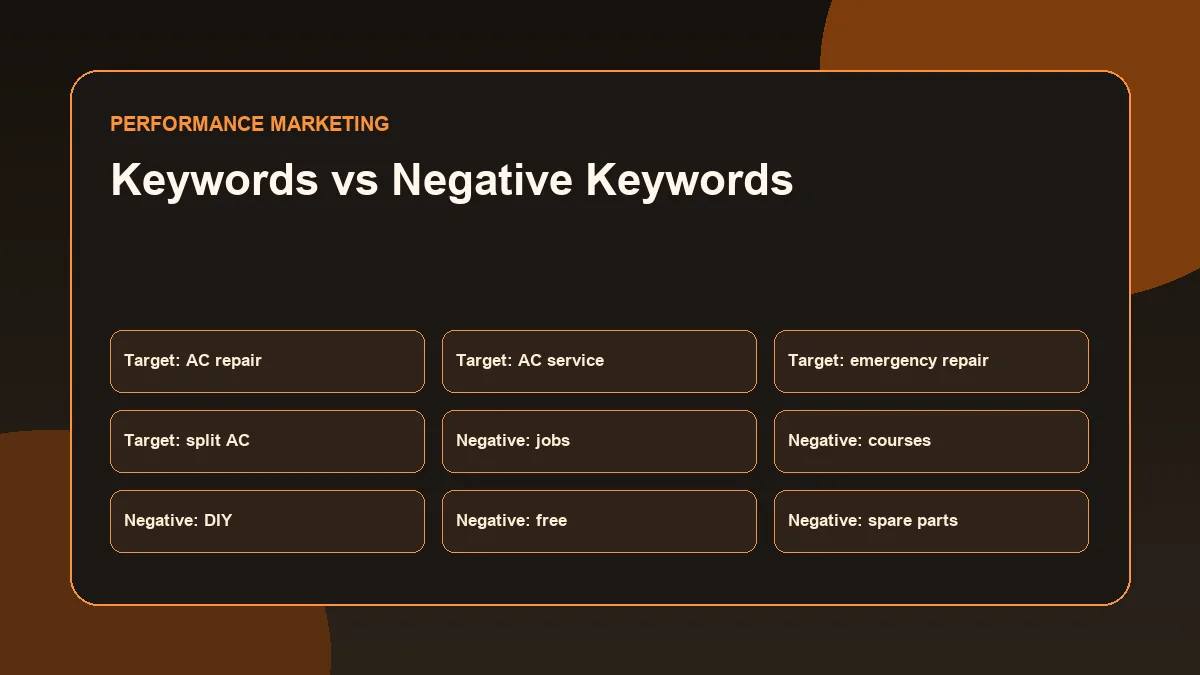
Negative Keyword Thinking
Negative keywords help prevent ads from showing for irrelevant searches.
Google defines a negative keyword as a keyword type that prevents an ad from being triggered by a certain word or phrase. (Google Ads negative keyword definition)
For this campaign, negative keyword ideas may include:
| Negative Keyword Theme | Example Terms |
|---|---|
| Jobs | job, vacancy, career, hiring |
| Training | course, class, institute, certification |
| DIY | how to, repair myself, tutorial |
| Parts only | spare parts, wholesale parts |
| Free intent | free, free service |
| Unrelated products | cooler, refrigerator, washing machine |
| Research-only | meaning, diagram, working principle |
For Search campaigns, Google Ads supports broad match, phrase match, and exact match negative keywords, but negative match types work differently from positive keyword match types. (Google Ads negative keyword guidance)
Negative keywords should not be added blindly. They should be reviewed using actual search terms once the campaign receives traffic.
Ad Messaging Strategy
Ad messaging should match the user’s intent.
For a local AC repair campaign, the ad should communicate:
- Service type
- Location relevance
- Quick response if true
- Clear contact option
- Trust signals if genuine
- Service coverage
- Booking action
Example headline ideas:
- AC Repair Service in Thrissur
- Book AC Service Near You
- Local AC Technician Support
- Split AC Repair and Service
- Call for AC Repair Enquiry
- AC Maintenance for Homes
- AC Service for Offices
- Same-Day Support If Available
Example description ideas:
- Get local AC repair and maintenance support in Thrissur. Call or send an enquiry to check availability.
- Book AC servicing for homes and small offices. Clear service enquiry process with phone and form options.
- Need AC repair support nearby? Contact the team with your issue, location, and preferred time.
The ad should not claim:
- Guaranteed lowest price
- Guaranteed same-day repair unless always true
- Best service in Kerala
- 100% guaranteed results
- Fake reviews
- Fake years of experience
- Fake certifications
The strongest ad copy is clear, specific, and truthful.
Recommended Ad Assets
Ad assets add useful business information to ads.
Google Ads explains that assets include headlines, descriptions, links to specific parts of a website, call buttons, location information, and other elements that come together to form the eventual ad format shown to users. (Google Ads assets guidance)
Recommended assets for this local service campaign:
Sitelink Assets
Google explains that sitelinks can take people to specific pages on the advertiser’s site. (Google Ads sitelink assets guidance)
Example sitelinks:
| Sitelink | Target |
|---|---|
| AC Repair Service | Service section or page |
| AC Maintenance | Maintenance section |
| Contact for Booking | Contact page |
| Service Areas | Location/service area section |
Callout Assets
Callouts can add short extra text about the business. Google notes that callouts can be added at account, campaign, or ad group level. (Google Ads callout assets guidance)
Example callouts:
- Local Service Support
- Home and Office AC Service
- Phone Enquiry Available
- WhatsApp Enquiry Available
- Service Area Based Support
Structured Snippet Assets
Google describes structured snippets as assets that highlight specific aspects of products or services. (Google Ads structured snippets guidance)
Example structured snippet:
Header: Services Values: AC Repair, AC Service, Split AC Service, AC Maintenance
Call Assets
A call asset can be useful if phone calls are a primary enquiry path.
Only use call assets if the business can answer calls during the advertised hours.
Location Assets
Location assets may be useful if the business has a verified physical location and wants to support local trust.
Landing-Page Requirements
A Google Ads campaign should not send all traffic to a weak or generic page.
The landing page should match the search intent.
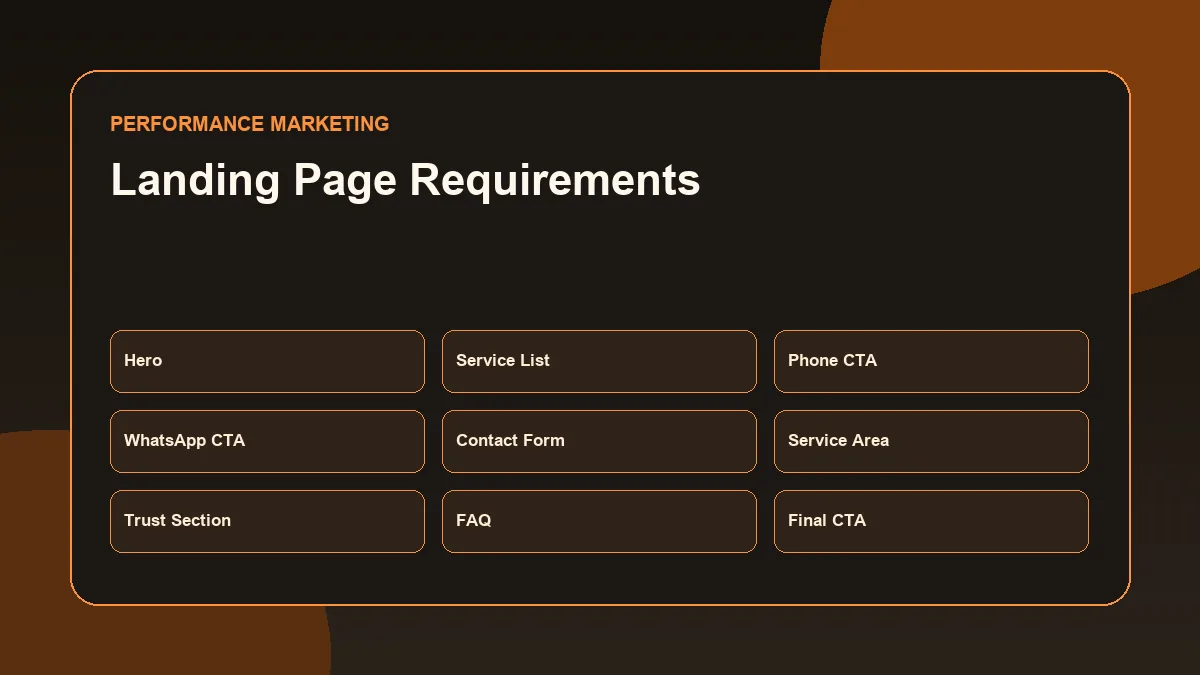
For this campaign, the landing page should include:
- Clear headline: AC Repair and Service in Thrissur
- Short explanation of services
- Service area details
- Phone button
- WhatsApp button
- Contact form
- Service categories
- Trust elements if genuine
- Simple process
- Clear response expectations
- Mobile-friendly layout
- Fast loading
- No unnecessary distractions
- Privacy or basic form reassurance
- Tracking-ready buttons and form
Example landing-page structure:
| Section | Purpose |
|---|---|
| Hero section | Explain service and location immediately |
| Service list | Clarify what is offered |
| CTA block | Phone, WhatsApp, or form enquiry |
| Service area | Confirm local coverage |
| Process | Explain how enquiry works |
| Trust section | Add only genuine proof |
| FAQ | Answer common concerns |
| Final CTA | Repeat contact options |
The landing page should not make promises that the business cannot consistently deliver.
Conversion Actions
A campaign without conversion tracking is difficult to optimize.
Google Ads defines a conversion action as a specific customer action that the advertiser has defined as valuable, such as an online purchase or phone call. (Google Ads conversion action definition)
For this local service campaign, useful conversion actions may include:
| Conversion Action | Why It Matters |
|---|---|
| Contact form submission | Shows lead intent |
| Phone call click | Shows direct enquiry intent |
| WhatsApp click | Important for local service conversations |
| Email click | Secondary contact path |
| Booking request | Strong lead action if available |
| Thank-you page view | Useful if form redirects after submission |
Google Ads conversion tracking helps measure how ad clicks lead to meaningful actions such as sales or leads. (Google Ads conversion tracking definition)
Tracking should be tested before campaign launch.
Do not launch a campaign and then guess whether leads came from ads.
Budget Assumptions
Budget planning should be realistic.
This example uses an illustrative daily budget range only.
Sample test budget:
| Budget Level | Example Daily Budget | Use Case |
|---|---|---|
| Conservative test | ₹300/day | Small test with limited keyword set |
| Moderate local test | ₹500/day | Broader service coverage |
| Stronger local test | ₹800/day | More traffic for faster learning |
This is not a fixed recommendation.
The right budget depends on:
- Service margin
- Average customer value
- Competition
- Location size
- Cost per click
- Conversion rate
- Landing-page quality
- Sales follow-up speed
- Business capacity
- Tracking readiness
A local service business should not increase budget only because impressions are available.
Budget should increase only when tracking, lead quality, and enquiry handling are clear.
Reporting Metrics
The campaign should be reviewed with both media metrics and business-action metrics.
Important metrics include:
| Metric | What It Helps Understand |
|---|---|
| Impressions | How often ads appeared |
| Clicks | How many users clicked |
| CTR | Whether ad relevance and message are attracting clicks |
| CPC | Average cost per click |
| Search terms | Actual queries triggering ads |
| Conversion actions | Which valuable actions happened |
| Conversion rate | How often clicks turned into actions |
| Cost per lead | Cost efficiency of lead generation |
| Phone clicks | Call enquiry interest |
| WhatsApp clicks | Local conversation interest |
| Form submissions | Structured lead capture |
| Landing-page engagement | Whether users stayed and interacted |
| Location performance | Which areas produced better enquiry quality |
Reporting should not stop with numbers.
A useful report should explain:
- What changed?
- Why might it have changed?
- Which keywords are useful?
- Which searches are irrelevant?
- Which landing-page section needs improvement?
- Which conversion actions are working?
- What should be tested next?
This connects naturally with a GA4 reporting workflow and conversion tracking review.
Optimization Workflow
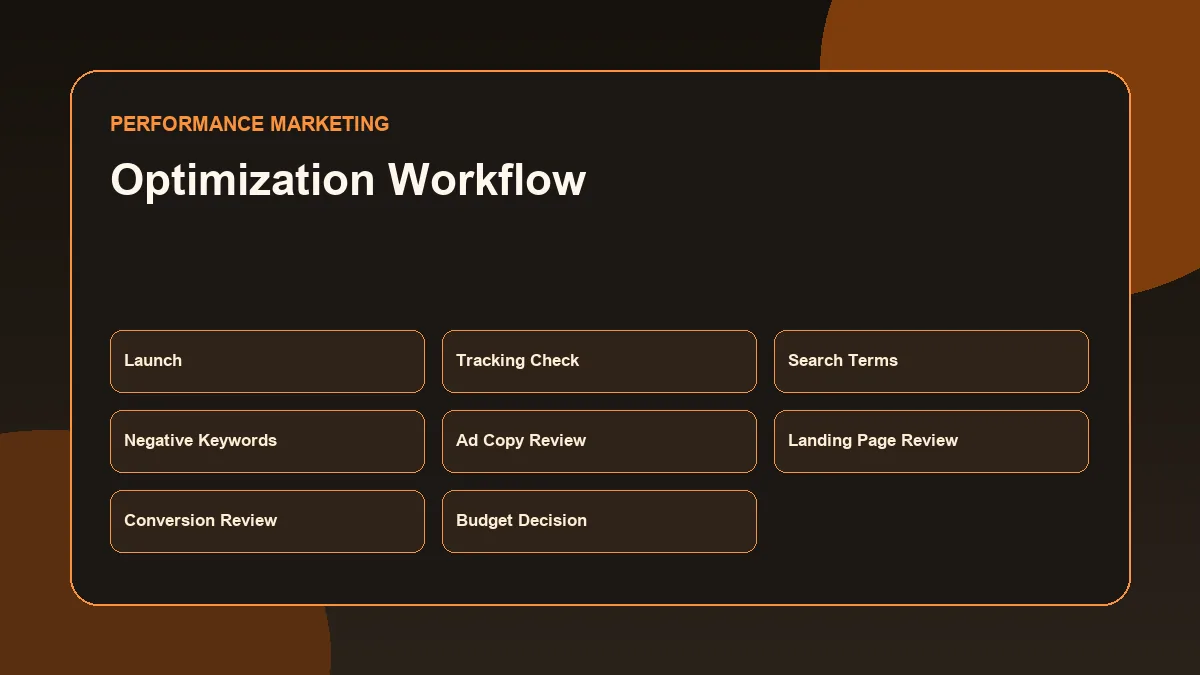
Campaign optimization should happen in a controlled way.
Week 1: Launch and Tracking Check
Focus on:
- Ads approved and running
- Location targeting correct
- Conversion actions firing
- Landing page working
- Phone and WhatsApp buttons working
- No obvious irrelevant search terms
- Budget pacing stable
Do not make too many changes too early unless there is a serious issue.
Week 2: Search Terms and Negative Keywords
Review actual search terms.
Actions:
- Add irrelevant queries as negative keywords
- Identify high-intent terms
- Pause clearly weak keywords if needed
- Check if broad or phrase terms are too loose
- Check whether location terms are relevant
Google Ads provides a search terms report that helps advertisers review actual search terms and understand how match types affect performance. (Google Ads search terms report guidance)
Week 3: Ad Copy and Landing Page Review
Review:
- Which ad messages get stronger CTR
- Whether the landing page matches the ad promise
- Whether users are clicking call or WhatsApp buttons
- Whether form submissions are happening
- Whether the CTA is visible on mobile
Possible actions:
- Improve headlines
- Add clearer service-area copy
- Improve CTA placement
- Add FAQ content
- Tighten landing-page message match
Week 4: Conversion and Budget Review
Review:
- Cost per enquiry
- Lead quality
- Search term quality
- Location performance
- Time-of-day performance
- Device performance
- Follow-up process
Possible actions:
- Shift budget toward better ad groups
- Pause weak keyword themes
- Add new high-intent keywords
- Test different landing-page CTA wording
- Adjust schedule if calls are missed
- Improve tracking if conversion data is incomplete
Optimization should be based on evidence, not guesswork.
Risks and Limitations
A Google Ads campaign plan should include risks.
Common risks include:
| Risk | Why It Matters |
|---|---|
| Poor tracking setup | Campaign cannot be evaluated properly |
| Weak landing page | Clicks may not turn into enquiries |
| Broad targeting | Budget may be wasted on irrelevant users |
| Weak negative keywords | Ads may show for low-intent searches |
| Missed calls | Paid leads may be lost |
| Slow response time | Local service users may contact competitors |
| Overpromising in ads | Creates poor user experience |
| Low budget | Data may take longer to interpret |
| High competition | CPC may be higher than expected |
| Poor service-area control | Enquiries may come from non-serviceable locations |
This is why campaign planning should include both ad setup and business readiness.
Google Ads can bring potential customers to the website, but the business still needs a strong landing page, reliable tracking, fast response, and clear service process.
Google Ads Campaign Plan Summary Table
| Campaign Element | Recommended Direction |
|---|---|
| Business type | Local AC repair and service provider |
| Campaign objective | Lead generation |
| Campaign type | Search |
| Target location | Thrissur and serviceable nearby areas |
| Main audience | Users searching for AC repair or service |
| Ad groups | AC Repair, AC Service, Emergency Repair, Split AC, Commercial AC |
| Keyword approach | Start with phrase and exact match for control |
| Negative keywords | Jobs, courses, DIY, parts-only, free, unrelated services |
| Ad message | Local service, clear enquiry path, truthful claims |
| Assets | Sitelinks, callouts, structured snippets, call assets, location assets where relevant |
| Landing page | Service-specific, local, mobile-friendly, CTA-focused |
| Conversion actions | Form submit, phone click, WhatsApp click, booking request |
| Reporting | CTR, CPC, conversions, cost per lead, search terms, location, landing-page behavior |
| Optimization | Search terms, negatives, ad copy, landing page, budget pacing, conversion quality |
Common Campaign Planning Mistakes
The first mistake is launching without conversion tracking.
If form submissions, phone clicks, or WhatsApp clicks are not tracked, the campaign may spend money without clear learning.
The second mistake is using broad keywords too early without control.
For example, a keyword like “AC” may attract very broad searches. A local service business usually needs more specific service-intent terms.
The third mistake is sending all traffic to the homepage.
A homepage may explain the brand, but a search campaign usually needs a focused landing page that matches the service query.
Other mistakes include:
- Targeting areas the business cannot serve
- Using generic ad copy
- Not adding negative keywords
- Ignoring search terms
- Not checking mobile CTA visibility
- Running ads when calls cannot be answered
- Using fake urgency
- Claiming results that are not proven
- Not comparing campaign and landing-page performance
- Changing too many settings at once
- Increasing budget before lead quality is understood
A strong campaign plan reduces these risks before money is spent.
Campaign Planning Checklist
Use this checklist before launching a local service Google Ads campaign.
| Checkpoint | Question |
|---|---|
| Business goal | Is the campaign objective clear? |
| Service focus | Is the campaign focused on one service category or clear service group? |
| Location | Are only serviceable areas targeted? |
| Campaign type | Is Search the right starting point for high-intent demand? |
| Ad groups | Are ad groups separated by service intent? |
| Keywords | Are keywords relevant and controlled? |
| Negative keywords | Are obvious irrelevant searches excluded? |
| Ad copy | Does the ad match the service and location? |
| Assets | Are sitelinks, callouts, structured snippets, and call options planned? |
| Landing page | Does the page match the ad and keyword intent? |
| CTA | Are phone, WhatsApp, and form options clear? |
| Tracking | Are conversion actions configured and tested? |
| Budget | Is the test budget realistic and controlled? |
| Reporting | Are key metrics defined before launch? |
| Optimization | Is there a weekly review workflow? |
| Limitations | Are risks documented clearly? |
Conclusion
A Google Ads Campaign Plan should connect strategy with execution.
For a local service business, the campaign should begin with a clear lead-generation goal, focused service intent, tight geographic targeting, well-structured ad groups, relevant keywords, negative keyword planning, truthful ad messaging, useful ad assets, a strong landing page, tested conversion actions, realistic budget assumptions, and a reporting workflow.
The strongest campaign plan is not the most complicated one. It is the one that helps the business spend carefully, learn from real search behavior, and improve based on conversion data.
This simulated plan shows how campaign thinking can be structured before launch. It does not claim results, but it demonstrates the planning process required for responsible performance marketing.
FAQs
What is a Google Ads Campaign Plan?
A Google Ads Campaign Plan is a structured document that explains the campaign goal, target audience, location, campaign type, ad groups, keywords, ad messaging, landing page, conversion actions, budget, reporting metrics, and optimization workflow.
Which Google Ads campaign type is best for a local service business?
A Search campaign is often a practical starting point for a local service business because it targets users actively searching for the service. The final choice depends on the business goal, tracking setup, budget, and readiness.
What conversion actions should a local service business track?
A local service business should usually track contact form submissions, phone clicks, WhatsApp clicks, booking requests, and other important enquiry actions.
Why are negative keywords important in Google Ads?
Negative keywords help prevent ads from showing for irrelevant searches. This can reduce wasted spend and improve the quality of traffic.
Should a Google Ads campaign send traffic to the homepage?
Not always. A service-specific landing page is usually stronger when the ad targets a specific service. The landing page should match the keyword and ad message.
Can this campaign plan guarantee leads?
No. This is a simulated campaign plan for educational and portfolio demonstration. Google Ads performance depends on competition, budget, landing-page quality, tracking, response speed, offer, targeting, and optimization.
Related Performance Marketing Resources
- Performance Marketing Guide
- Performance Marketing for Business Growth
- Google Ads Campaign Structure
- Conversion Tracking Basics
- Landing Page Optimization for Paid Ads
- GA4 Reporting Workflow
Next Step
Explore the Performance Marketing Resource Hub for related campaign planning and reporting guides, or review the Performance Marketing Guide to understand how paid traffic, landing pages, tracking, and optimization work together.