An On-Page SEO Checklist helps a business website improve how each page is understood by search engines and users.
A business website may have good design, clear services, and useful information. But if the page title, headings, content structure, internal links, images, and user experience are weak, the website may struggle to get organic visibility.
On-page SEO is not about stuffing keywords into a page. It is about making every important page clear, relevant, useful, readable, and connected to the right search intent. A deeper internal links for SEO guide explains how related pages should support each other after the on-page basics are complete.
For business websites, this matters because every page should have a purpose. A homepage builds trust. A service page explains an offer. A blog post answers a search query. A contact page helps users take action.
This On-Page SEO Checklist is designed for business websites, service pages, blog posts, and WordPress websites that need better search visibility without using shortcuts, keyword stuffing, or fake SEO tactics.
What should an on-page SEO checklist include? An on-page SEO checklist should include search intent, primary keyword, SEO title, meta description, URL, H1, opening paragraph, headings, image metadata, internal links, external source, schema and mobile review. These checks help each page communicate one clear purpose to users and search engines before deeper promotion or reporting begins.
What is the first step in on-page SEO?
The first step in on-page SEO is understanding the page intent and choosing one primary keyword or topic. Without that foundation, titles, headings, content sections and internal links can become unfocused.
Which on-page elements affect search relevance?
Search relevance is influenced by the SEO title, URL, H1, opening paragraph, H2 and H3 headings, body content, image alt text, internal links and schema. Each element should support the same topic naturally instead of repeating the keyword unnaturally.
How often should on-page SEO be reviewed?
On-page SEO should be reviewed after publishing, after meaningful content updates and when Search Console data shows changing impressions, clicks or queries. Business pages and important articles also benefit from scheduled reviews every few months.
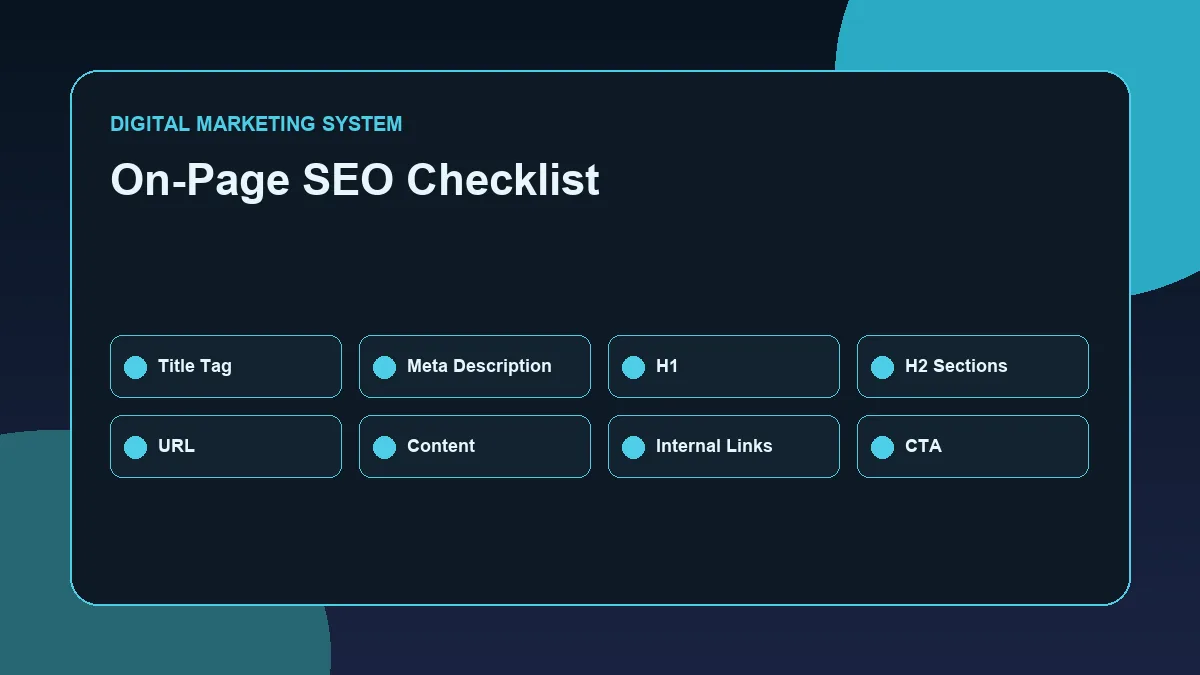
- Title
- URL
- H1
- Intro
- Headings
- Image Alt Text
- Internal Links
- CTA
This original visual is provided as readable HTML so users and search systems can understand the full process without relying only on an image.
Download-free visible checklist
- search intent
- primary keyword
- SEO title
- meta description
- URL
- H1
- opening paragraph
- headings
- image metadata
- internal links
- external source
- schema
- mobile review
Related reading and topical path
This article connects to its hub, guide and related supporting articles.
Written by Deepak Ramachandran
Reviewed/updated: June 16, 2026
Table of Contents
- What Is On-Page SEO?
- Why On-Page SEO Matters for Business Websites
- On-Page SEO Checklist for Business Websites
- Step 1: Choose One Primary Keyword
- Step 2: Match the Page With Search Intent
- Step 3: Optimize the SEO Title
- Step 4: Write a Clear Meta Description
- Step 5: Use One Strong H1
- Step 6: Structure the Page With H2 and H3 Headings
- Step 7: Improve Content Quality and Readability
- Step 8: Add Internal Links
- Step 9: Optimize Images and Alt Text
- Step 10: Improve User Experience
- Common On-Page SEO Mistakes
- Final On-Page SEO Checklist
- FAQ
What Is On-Page SEO?
On-page SEO is the process of optimizing the visible and editable parts of a webpage so that search engines and users can understand the page better.
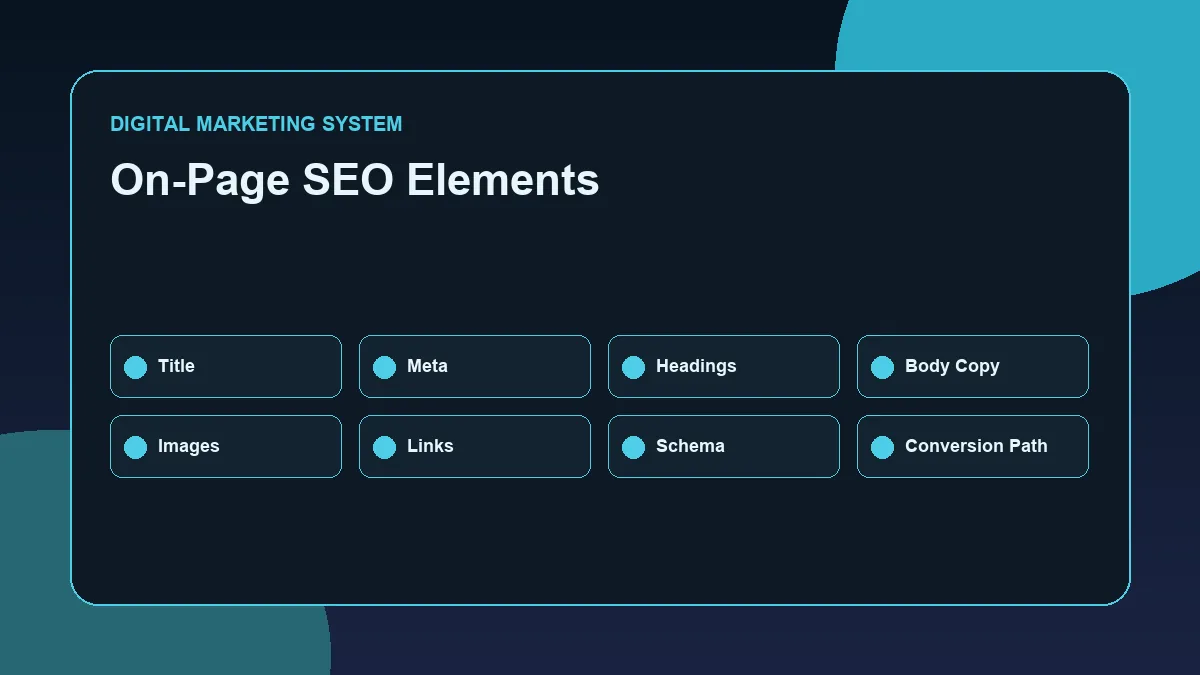
- SEO title
- Meta description
- URL slug
- H1 heading
- H2 and H3 headings
- Keyword placement
- Content quality
- Internal links
- Image alt text
- User experience
- Page structure
- Call-to-action placement
Google Search Central explains that SEO best practices help search engines crawl, index, and understand content more easily. This is why on-page SEO should be handled with structure, not guesswork. Reference: Google Search Central SEO Starter Guide.
On-page SEO is different from technical SEO and off-page SEO.
Technical SEO focuses on crawlability, indexing, speed, schema, mobile usability, and website health.
Off-page SEO focuses on external signals such as backlinks, brand mentions, citations, and authority building.
On-page SEO focuses on what is directly present on the page.
For a business website, this is one of the most controllable parts of SEO. You may not control Google algorithm changes, competitor authority, or backlink quality immediately. But you can control how clearly your page explains its topic.
Why On-Page SEO Matters for Business Websites
Business websites need more than attractive visuals. They need clarity.
A business page should help users quickly understand:
- What the business offers
- Who the page is for
- What problem is being solved
- Why the content is useful
- What action the user should take next
Search engines also need similar clarity. They look at titles, headings, content, links, and page structure to understand the purpose of a page.
Good on-page SEO helps a business website in four major ways.
It improves search relevance
Search engines need to understand what each page is about.
If a page about SEO services does not clearly mention SEO services, business problems, local relevance, process, benefits, and related terms, the page may not send strong relevance signals.
On-page SEO improves relevance by aligning the page with one clear topic and one clear search intent.
It improves user experience
Users do not read websites like textbooks. They scan.
Clear headings, short paragraphs, bullet points, useful examples, and strong section flow make a page easier to read.
When users can understand a page quickly, they are more likely to stay, explore, and take action.
It supports internal linking and topical authority
A business website should not have isolated pages.
Each page should connect to related pages through internal links. This helps users move deeper into the website and helps search engines understand topic relationships.
For example, this blog belongs inside the SEO Resource Hub and supports the SEO Guide as a practical cluster article. It also connects naturally with the foundation article SEO for Business Websites.
It supports conversions
On-page SEO is not only about ranking. It also supports conversion.
A well-optimized page can guide users toward:
- Reading another helpful article
- Visiting a service page
- Exploring a resource hub
- Contacting the business
- Understanding the brand better
For business websites, visibility and conversion should work together.
On-Page SEO Checklist for Business Websites
A strong On-Page SEO Checklist should cover every important page element before publishing or updating content.
Here is the practical checklist:
- Choose one primary keyword
- Understand the search intent
- Use a clean SEO title
- Write a useful meta description
- Use one H1 heading
- Add proper H2 and H3 headings
- Place the keyword naturally in the first section
- Write useful, original content
- Add internal links
- Add one relevant external link where useful
- Optimize image filename and alt text
- Improve readability
- Use clear calls to action
- Check mobile layout
- Avoid keyword stuffing
- Review the page after publishing
Each step matters because on-page SEO works as a complete system. One optimized title alone will not fix weak content. A good blog post will not perform well if the heading structure is confusing. Strong content can also lose value if there are no internal links.
Step 1: Choose One Primary Keyword
Every important page should have one primary keyword.
The primary keyword tells you what the page is mainly targeting.
For this blog, the primary keyword is: On-Page SEO Checklist.
This keyword is specific. It tells search engines and users that the page provides a practical checklist for improving on-page SEO.
A business website should avoid targeting too many unrelated keywords on the same page. When one page tries to rank for too many topics, the content becomes unclear.
A better approach is to map one main keyword to one page.
Example:
- Homepage: Digital Marketer in Thrissur
- SEO Hub: SEO Resource Hub
- SEO Pillar: SEO Guide
- Blog: On-Page SEO Checklist
- Blog: Technical SEO for WordPress
- Blog: Internal Linking Strategy
This creates a cleaner SEO structure and reduces keyword cannibalization.
Step 2: Match the Page With Search Intent
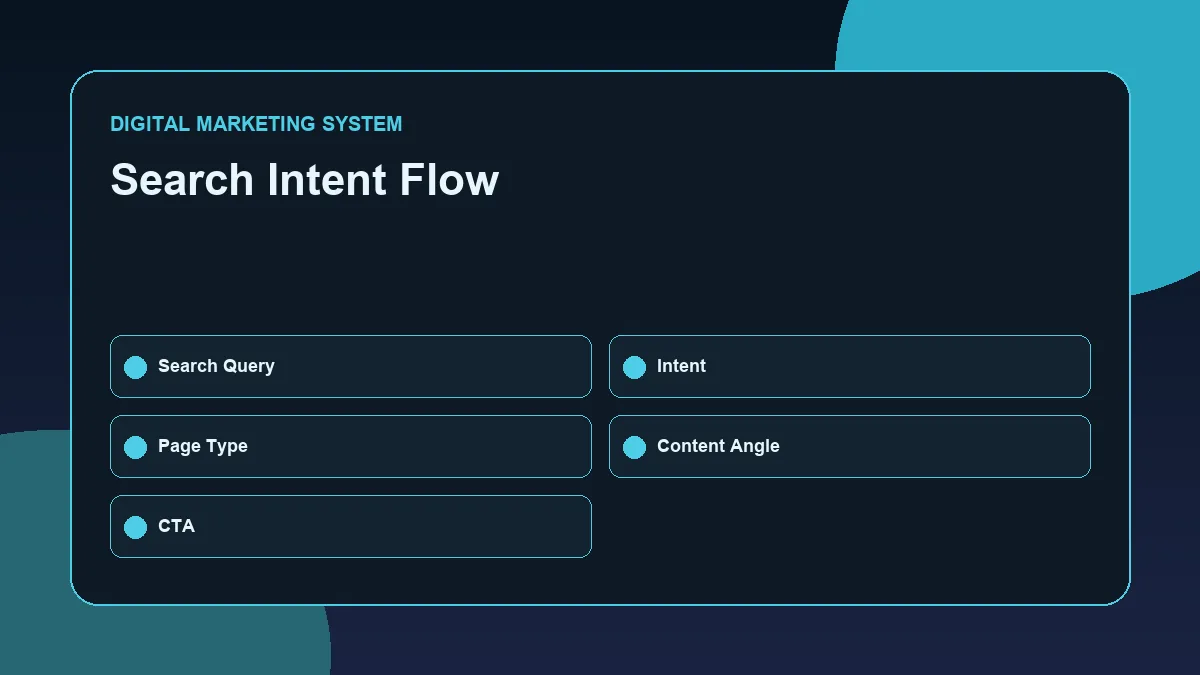
Search intent means the reason behind a search.
Before writing or optimizing a page, ask: What does the user actually want?
A person searching for On-Page SEO Checklist is likely looking for a practical list of steps. They do not want a vague definition only. They want clear actions they can apply to a webpage.
Search intent can usually be grouped into:
- Informational intent
- Commercial intent
- Navigational intent
- Transactional intent
- Local intent
For a checklist blog, the intent is mainly informational and practical.
That means the content should include:
- Clear explanations
- Step-by-step checklist points
- Examples
- Common mistakes
- Practical implementation tips
If the page does not match the intent, users may leave quickly even if the page ranks.
Step 3: Optimize the SEO Title
The SEO title is one of the most important on-page SEO elements.
It appears in search results and tells users what the page is about.
A good SEO title should be:
- Clear
- Relevant
- Keyword-focused
- Easy to understand
- Not too long
- Not clickbait
- Matched with the page content
For this blog, the SEO title is: On-Page SEO Checklist for Business Websites.
This title works because it includes the primary keyword and clearly explains who the checklist is for.
Avoid titles like:
- Ultimate Secret SEO Checklist That Guarantees Ranking
- Best SEO Tricks for Instant Google Ranking
- You Will Not Believe This SEO Checklist
These titles sound exaggerated and reduce professional trust.
For a business website, the SEO title should attract clicks without overpromising.
Step 4: Write a Clear Meta Description
A meta description is the short summary that can appear below the title in search results.
It does not directly guarantee rankings, but it can influence click-through rate.
A good meta description should:
- Include the primary keyword naturally
- Explain what the page offers
- Stay clear and useful
- Avoid keyword stuffing
- Encourage relevant clicks
For this blog, the meta description is: Use this On-Page SEO Checklist to improve business website pages with better titles, headings, content, internal links, images, and user experience.
This description is practical because it tells the user exactly what they will get.
A weak meta description would be: Best SEO checklist for SEO ranking and SEO improvement with SEO tips for SEO success.
That type of writing looks spammy and unnatural.
Step 5: Use One Strong H1
Every page should have one main H1 heading.
The H1 should clearly describe the page topic. It should also include the primary keyword naturally.
For this blog, the post title is used as the H1: On-Page SEO Checklist for Business Websites.
This is simple and direct.
Avoid using multiple H1 headings on the same page. Multiple H1s can confuse page structure, especially when Elementor sections or templates automatically add headings.
A clean heading hierarchy usually looks like this:
- H1: Main page title
- H2: Main sections
- H3: Subsections
For most blog posts, H1, H2, and H3 are enough.
Step 6: Structure the Page With H2 and H3 Headings
Headings help users scan the page.
They also help search engines understand the structure of the content.
A good heading structure should move logically from broad explanation to practical steps.
For example:
- What Is On-Page SEO?
- Why On-Page SEO Matters
- On-Page SEO Checklist
- Common Mistakes
- FAQ
This structure is easy to follow.
Avoid headings that are too vague, such as:
- Important Things
- More Details
- Other Points
- Best Tips
Headings should explain what the section is about before the user reads the paragraph.
For business websites, clear heading structure improves readability and professional presentation.
Step 7: Improve Content Quality and Readability
Content quality is one of the strongest parts of on-page SEO.
A business website should not publish thin content just to target keywords. Each page should answer the user question properly.
Strong content usually includes:
- Clear explanations
- Practical examples
- Short paragraphs
- Bullet lists
- Useful subheadings
- Natural keyword usage
- Related terms
- Internal links
- CTA guidance
Readability also matters.
Users should not feel like they are reading a complicated manual. The page should be easy to scan, especially on mobile.
A practical content section should answer:
- What is this?
- Why does it matter?
- How does it work?
- What should the user do next?
This flow keeps content useful and professional.
Step 8: Add Internal Links
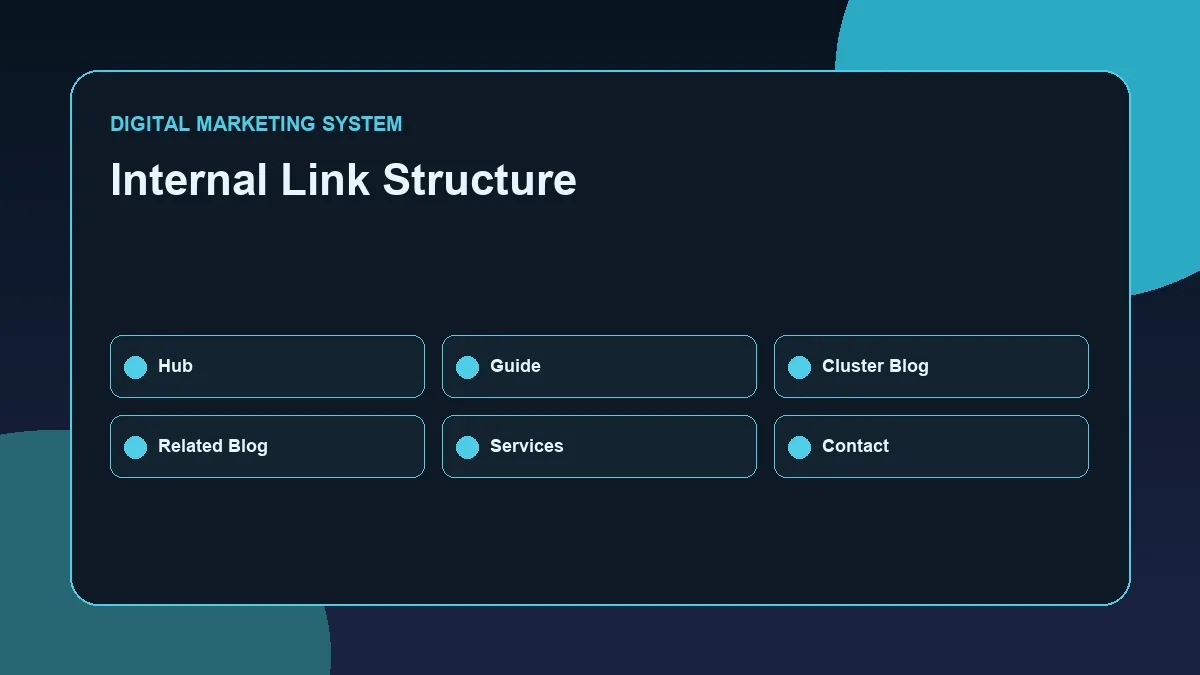
Internal links connect one page of your website to another page.
For SEO, internal links help search engines understand page relationships. For users, they help with navigation.
A blog post about on-page SEO should link to active related pages such as:
- SEO Resource Hub
- SEO Guide
- SEO for Business Websites
- Contact page where relevant
Future articles such as Technical SEO for WordPress, Internal Linking Strategy, and WordPress SEO Optimization Checklist can be linked after they are published.
Internal links should use descriptive anchor text.
Good anchor examples:
- SEO Resource Hub
- SEO Guide
- Technical SEO for WordPress
- Internal Linking Strategy
- WordPress SEO Optimization Checklist
Weak anchor examples:
- Click here
- Read more
- Visit this
- Learn more
Descriptive anchors are better because they tell users and search engines what the linked page is about.
Step 9: Optimize Images and Alt Text
Images can support user experience and SEO when used properly.
For every important image, check:
- Is the image relevant?
- Is the file name descriptive?
- Is the file size compressed?
- Is the image in WebP format where possible?
- Does the alt text describe the image clearly?
- Is the image placed near relevant content?
For this blog, a strong image filename would be: on-page-seo-checklist-business-websites.webp.
A strong alt text would be: On-Page SEO Checklist for business websites covering titles headings content links and images.
Avoid file names like:
- image1.png
- screenshot-final.jpg
- download.webp
- seo.webp
Also avoid keyword stuffing in alt text. Alt text should describe the image naturally.
Step 10: Improve User Experience
On-page SEO and user experience are closely connected.
A page may have good keywords, but if users cannot read or navigate it properly, performance will suffer.
Check these user experience points:
- Is the page mobile-friendly?
- Are paragraphs short?
- Are headings clear?
- Is the content easy to scan?
- Are buttons visible?
- Is the CTA clear?
- Are images compressed?
- Is the page loading fast?
- Is the design consistent?
- Are links easy to identify?
- Is the content visually balanced?
For business websites, user experience supports trust. A clean, fast, readable page feels more professional and helps users take action confidently.
Common On-Page SEO Mistakes
Many business websites make on-page SEO mistakes because they focus only on design or only on keywords.
Common mistakes include:
- Using the same keyword on multiple pages
- Writing weak SEO titles
- Ignoring meta descriptions
- Using multiple H1 headings
- Not using proper H2 and H3 headings
- Publishing thin content
- Adding keywords unnaturally
- Not using internal links
- Using large uncompressed images
- Ignoring image alt text
- Not checking mobile layout
- Adding unclear CTAs
- Linking with generic anchor text
- Not updating old pages
- Treating RankMath score as the only SEO goal
One important point: RankMath is a helpful tool, but it should not control the full content strategy.
A page should be written for users first, then optimized properly for search engines.
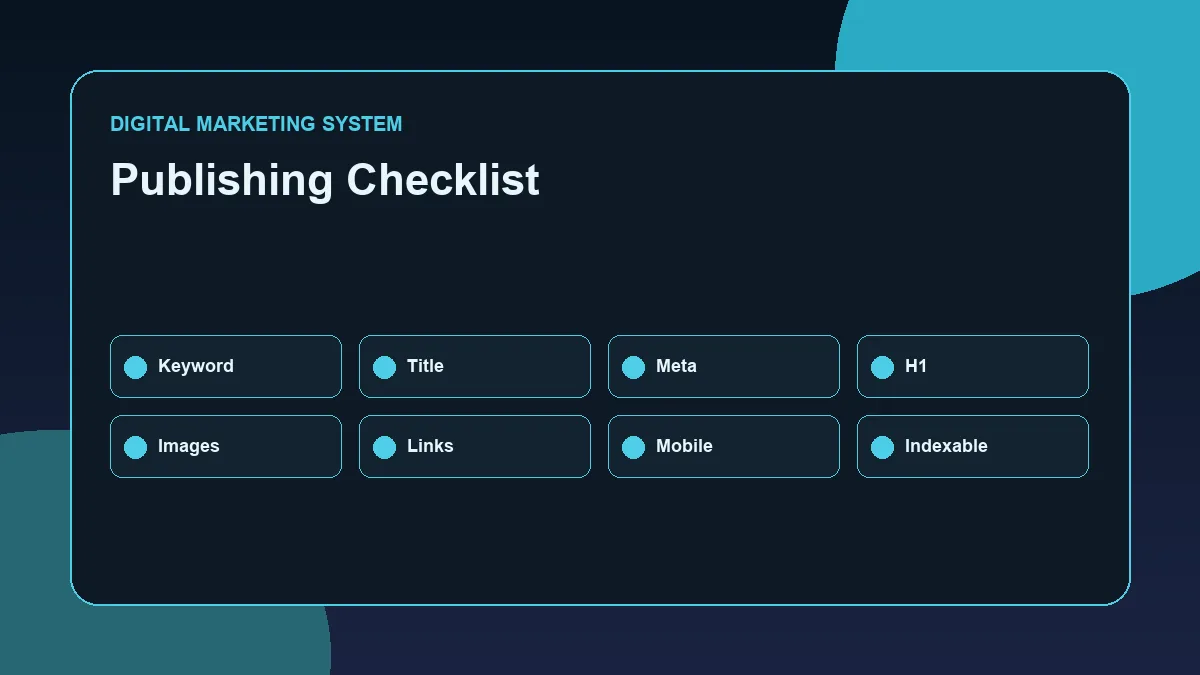
Final On-Page SEO Checklist
Use this checklist before publishing or updating any business website page.
- Primary keyword selected
- Search intent understood
- SEO title written clearly
- Meta description added
- Clean slug used
- One H1 added
- H2 and H3 structure organized
- Primary keyword used in the first section
- Content answers the topic properly
- Short paragraphs used
- Bullet lists added where useful
- Internal links added
- External reference added where relevant
- Image filename optimized
- Image alt text added
- CTA added
- Mobile layout checked
- Page speed reviewed
- No keyword stuffing
- No fake claims
- No duplicate intent
- Page connected to the correct hub or pillar
This checklist helps business websites publish pages with better structure, stronger relevance, and cleaner user experience.
On-page SEO is not a one-time task. Pages should be reviewed after publishing using tools like Google Search Console, RankMath, and analytics data.
If a page gets impressions but low clicks, the title or meta description may need improvement.
If a page gets clicks but weak engagement, the content or user experience may need improvement.
If a page is not indexed, technical SEO checks may be needed.
Strong SEO comes from continuous improvement.
Want to Build a Stronger SEO Foundation?
Explore the SEO Resource Hub for practical guides on search visibility, on-page SEO, technical SEO, internal linking, and WordPress website optimization.
You can also visit the SEO Guide to understand how SEO works as a complete system for business websites.
For website optimization, SEO structure, or digital marketing collaboration discussions, visit the Contact page.
FAQ
What is an On-Page SEO Checklist?
An On-Page SEO Checklist is a list of important page-level SEO tasks such as optimizing the SEO title, meta description, headings, content, internal links, images, alt text, and user experience.
Why is on-page SEO important for business websites?
On-page SEO is important because it helps search engines understand the page and helps users find useful information. For business websites, it improves clarity, relevance, user experience, and conversion paths.
What should be included in on-page SEO?
On-page SEO should include keyword mapping, search intent, SEO title, meta description, URL slug, H1, H2 and H3 headings, content quality, internal links, image optimization, alt text, readability, and CTA placement.
How many H1 headings should a page have?
A page should usually have only one H1 heading. The H1 should clearly describe the main topic of the page and include the primary keyword naturally.
Is keyword density still important for on-page SEO?
Keyword usage is important, but keyword stuffing should be avoided. The primary keyword should appear naturally in the title, H1, first section, and throughout the content where relevant.
Does RankMath score guarantee ranking?
No. RankMath score does not guarantee ranking. It is a useful optimization guide, but ranking also depends on search intent, content quality, competition, technical SEO, authority, user experience, and consistency.
A wider WordPress SEO audit example shows how on-page checks fit into a complete website review workflow.