An Instagram Profile Optimization Checklist helps a business, personal brand, or professional profile become easier to understand, trust, and remember.
Many Instagram profiles post content regularly but still struggle with visibility and conversions because the profile itself is unclear. The bio may be vague. The profile picture may not be recognizable. The link may not guide users anywhere useful. Highlights may be messy. Content may not clearly show what the brand is about.
Instagram profile optimization is not just about making a profile look attractive. It is about making the profile communicate clearly within a few seconds.
When someone visits an Instagram profile, they should quickly understand:
- Who the profile is for
- What the brand does
- What type of content to expect
- Why the profile is worth following
- What action they can take next
For business and professional visibility, Instagram should not work like a random content feed. The profile should work like a compact landing page that supports brand positioning, trust, content discovery, and action.
This Instagram Profile Optimization Checklist is designed for businesses, service providers, creators, professionals, and personal brands that want better brand visibility without using fake growth tactics or random posting.
How do you optimize an Instagram business profile? You optimize an Instagram business profile by making the profile name, username, category, bio, CTA, link, highlights and pinned content clear to the right audience. The profile should quickly explain who the account helps, what value it offers and what action visitors can take next, without using a real business account without permission.
What should an Instagram bio include?
An Instagram bio should include the audience, value proposition, location or service context when relevant, a simple CTA and a useful link. It should be clear enough for a new visitor to understand the account within a few seconds.
How do profile name and category affect discovery?
The profile name and category help users understand the account and may support platform discovery. They should describe the business or professional focus clearly instead of using vague phrases that do not explain the account.
Which profile elements improve trust and conversions?
Trust and conversions are supported by a clear profile photo, helpful bio, active link, contact options, organized highlights, pinned posts and consistent content themes. These elements reduce confusion and help users decide whether to follow, click or contact.
- Name Field
- Username
- Bio
- CTA
- Link
- Highlights
- Pinned Content
This original visual is provided as readable HTML so users and search systems can understand the full process without relying only on an image.
Simulation note: The example is a profile-planning mock-up and does not represent a real business account.
Related reading and topical path
This article connects to its hub, guide and related supporting articles.
- /social-media-marketing-resource-hub/
- /social-media-marketing-guide/
- /social-media-marketing-strategy/
- /social-media-content-calendar/
Written by Deepak Ramachandran
Reviewed/updated: June 16, 2026
Table of Contents
- What Is Instagram Profile Optimization?
- Why Instagram Profile Optimization Matters
- Instagram Profile Optimization Checklist
- Step 1: Use a Clear Profile Picture
- Step 2: Optimize the Username and Name Field
- Step 3: Write a Clear Instagram Bio
- Step 4: Add a Relevant Link
- Step 5: Use the Right Category and Contact Details
- Step 6: Organize Instagram Highlights
- Step 7: Pin Important Posts
- Step 8: Keep Content Pillars Clear
- Step 9: Improve Visual Consistency
- Step 10: Track Profile Performance
- Common Instagram Profile Optimization Mistakes
- Final Instagram Profile Optimization Checklist
- FAQ
What Is Instagram Profile Optimization?
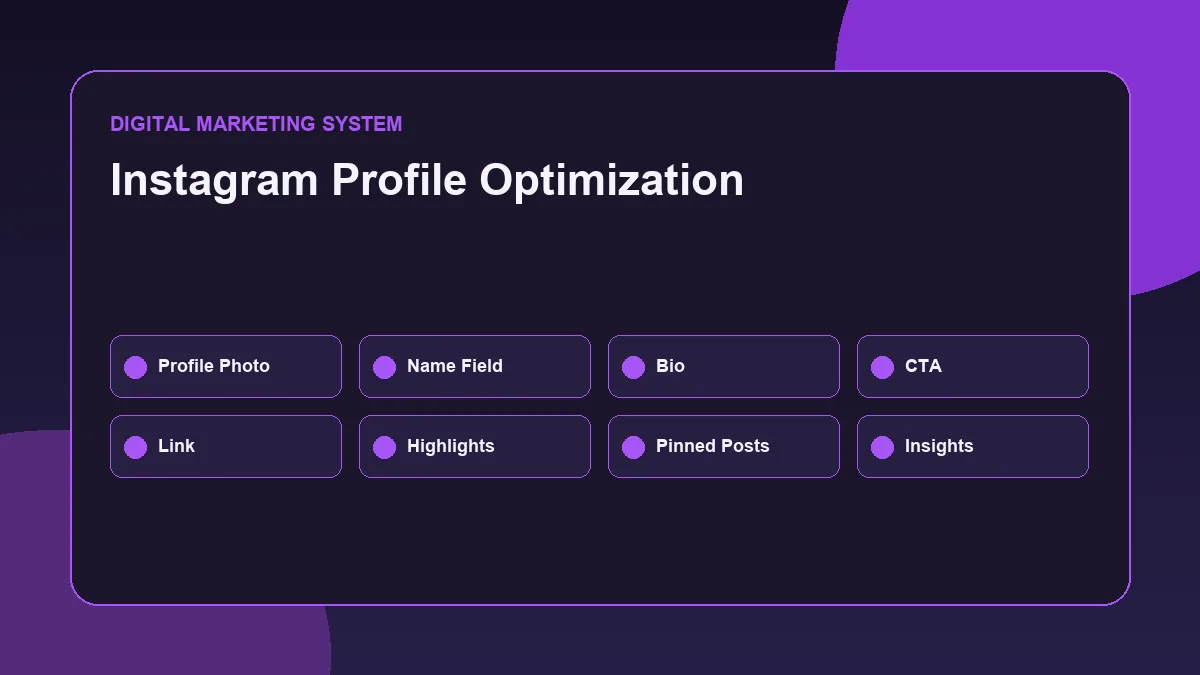
Instagram profile optimization is the process of improving the important parts of an Instagram profile so that visitors can quickly understand the brand and take the next step.
It includes:
- Profile picture
- Username
- Name field
- Bio
- Website link
- Category
- Contact options
- Highlights
- Pinned posts
- Content clarity
- Visual consistency
- Call-to-action
- Profile performance review
A profile should not make users work hard to understand what it is about.
If the profile is for a business, users should understand the service, location, offer, and next step.
If the profile is for a personal brand, users should understand the person focus area, content themes, professional positioning, and reason to follow.
Instagram profile optimization is important because profile visits are often a middle step between content discovery and action. A user may see a reel, carousel, story, comment, or shared post and then visit the profile before deciding whether to follow, message, click the link, or leave.
That profile visit is a small but important conversion point.
Why Instagram Profile Optimization Matters
Instagram content can attract attention, but the profile decides whether that attention becomes trust.
A post may get reach, but if the profile is unclear, users may not follow or take action.
A properly optimized Instagram profile helps in four major ways.
It improves first impression
Users often judge a profile within seconds.
They look at the profile photo, name, bio, highlights, pinned posts, and recent content. If these elements are unclear, the profile feels weak even if the content is good.
A strong profile makes the brand easier to understand immediately.
It improves brand visibility
Instagram profile optimization supports brand visibility because it makes the profile searchable, recognizable, and easier to remember.
The name field, bio keywords, category, and content themes can all support discoverability and clarity.
For example, a profile focused on digital marketing should clearly mention relevant topics such as SEO, social media marketing, paid ads, website optimization, analytics, or content strategy depending on its positioning.
It improves trust
Trust is built through consistency.
If the bio says one thing, the highlights show another thing, and the posts are completely random, users may not understand the brand.
A strong profile keeps everything aligned:
- Bio
- Profile image
- Highlights
- Pinned posts
- Captions
- Content pillars
- CTA
- Website link
This makes the profile feel more professional.
It supports action
A good Instagram profile should guide users toward the next step.
That action may be:
- Follow the profile
- Visit the website
- Send a DM
- Book a call
- Read a blog
- View services
- Check a portfolio
- Explore offers
- Save useful content
Without a clear CTA, profile visitors may leave without doing anything.
Instagram Profile Optimization Checklist
Use this Instagram Profile Optimization Checklist before reviewing or improving a business or personal brand profile.
- Use a clear profile picture
- Keep the username simple and recognizable
- Optimize the name field with searchable words
- Write a clear bio
- Add a strong value statement
- Mention location if relevant
- Add a clear call-to-action
- Add a useful website or landing page link
- Choose the right category
- Add contact options if needed
- Organize highlights
- Pin important posts
- Keep content pillars clear
- Maintain visual consistency
- Review profile visits and link clicks
- Update the profile as positioning improves
A strong profile is not created by one bio line alone. The full profile should work together as a brand visibility system.
Step 1: Use a Clear Profile Picture
The profile picture is one of the first things users notice.
For a personal brand, a clean headshot usually works better than a random image, logo, or low-quality photo.
For a business brand, a clear logo may work better if the brand already has recognition.
A good profile picture should be:
- Clear
- High quality
- Easy to recognize
- Cropped properly
- Consistent with the brand
- Visible even at small size
Avoid profile pictures that are:
- Too dark
- Too crowded
- Blurry
- Over-edited
- Hard to identify
- Filled with small text
- Unrelated to the brand
Instagram allows users to add or change the profile picture from profile settings, so this is one of the easiest optimization points to improve.
For a professional profile, the profile photo should support trust. It should not look casual, confusing, or disconnected from the brand identity.
Step 2: Optimize the Username and Name Field
The username and name field are important for profile recognition and search.
The username should be simple, readable, and close to the brand name where possible.
A good username should be:
- Easy to type
- Easy to remember
- Professional
- Not overloaded with random numbers
- Consistent with other platforms if possible
The name field should explain the profile more clearly.
For example, instead of only using a name, a professional profile may include a focus area.
Examples:
- Deepak | SEO & Performance Marketing
- Kerala Digital Marketing Strategist
- WordPress SEO Specialist
- Social Media Marketing Consultant
The name field should not be stuffed with keywords. It should be clear and useful.
The goal is simple: when someone sees the profile, they should quickly understand the identity and topic focus.
Step 3: Write a Clear Instagram Bio
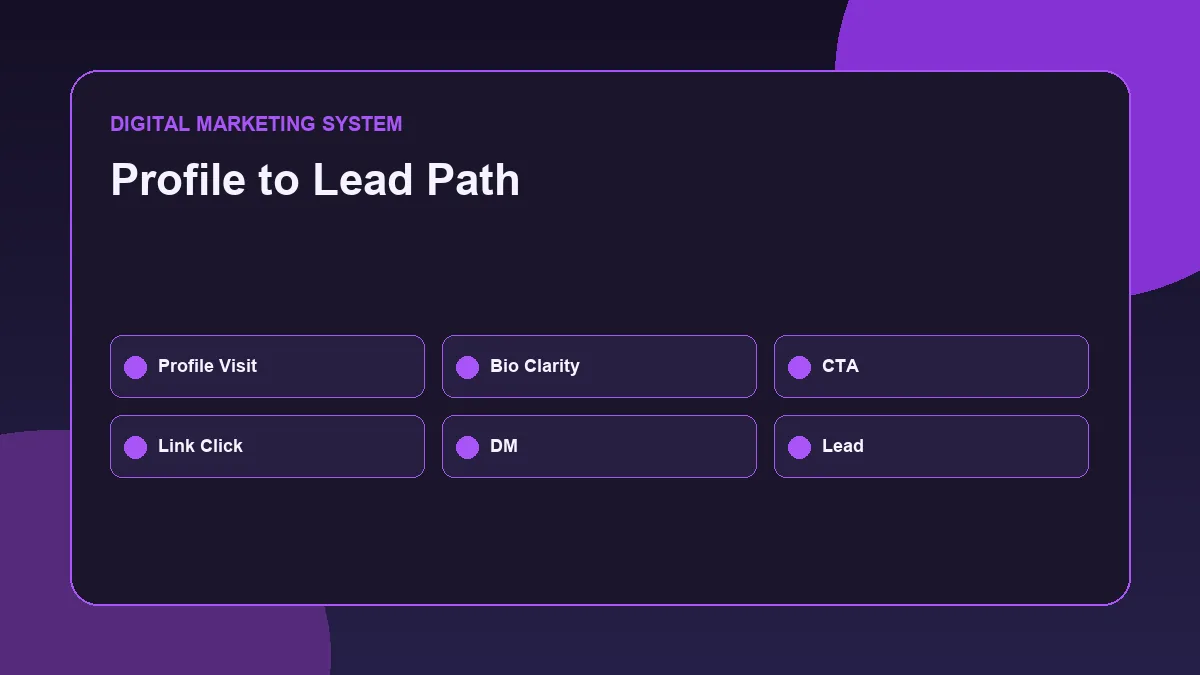
The Instagram bio should explain the profile in a short and clear way.
A strong bio usually answers:
- Who are you?
- What do you focus on?
- Who do you help?
- What value does the content provide?
- What should users do next?
A simple Instagram bio structure can be:
- Line 1: What you do or what the brand focuses on
- Line 2: Who the content is for
- Line 3: Proof, topic focus, or value angle
- Line 4: CTA with link direction
Example for a professional digital marketing profile:
- SEO + Performance Marketing
- Content on search, ads, analytics and website growth
- Building practical digital marketing systems
- Read guides or connect below
This bio is clear because it explains the positioning, content themes, and next step.
Avoid bio mistakes like:
- Too many emojis
- Vague motivational lines
- No service clarity
- No topic focus
- No location when location matters
- No CTA
- Too many unrelated keywords
- Overclaiming expertise
- Fake authority language
The bio should be short, but it should not be empty.
Step 4: Add a Relevant Link
The profile link is one of the most important parts of Instagram profile optimization.
Instagram allows users to add website links from profile settings. Reference: Instagram profile website link guide.
A profile link can send users to:
- Website homepage
- Portfolio page
- Services page
- Blog page
- Contact page
- Landing page
- Link-in-bio page
- Lead form
- Booking page
- Resource hub
The best link depends on the profile goal.
For a professional digital marketing profile, a portfolio website or resource page may be better than a random social link.
For a business, a service landing page or contact page may be better than the homepage if the CTA is campaign-focused.
The link should match the bio CTA.
Example:
- Bio CTA: Read practical SEO and marketing guides. Link destination: Blog or resource hub.
- Bio CTA: Enquire for website optimization. Link destination: Contact page or service page.
A link without a clear CTA may get fewer clicks because users do not know why they should tap it.
Step 5: Use the Right Category and Contact Details
Professional Instagram accounts can display business information such as category and contact details. Instagram help explains that professional account settings allow users to edit public business information.
The category helps users understand the profile type.
Examples:
- Digital creator
- Marketing agency
- Business consultant
- Entrepreneur
- Education
- Personal blog
- Product/service
Choose a category that matches the actual profile identity.
Contact details may include:
- Phone
- Address
- Action buttons where available
For a professional or business profile, contact options can reduce friction. If users are interested, they should not struggle to find a way to connect.
But contact details should be used carefully. If the profile is not ready for calls, email or website contact may be better.
Step 6: Organize Instagram Highlights
Highlights help users explore important information after visiting the profile.
They work like mini navigation sections.
For a business or professional brand, useful highlight categories may include:
- About
- Services
- Results
- FAQs
- Reviews
- Portfolio
- Blog
- Tips
- Process
- Contact
For a digital marketing profile, highlight categories could be:
- SEO
- SMM
- Ads
- Website
- Analytics
- Case Notes
- Resources
- Contact
Highlights should be organized and updated. Old, irrelevant, or messy highlights can weaken profile quality.
Highlight covers should be simple and consistent. They do not need to be overly designed, but they should look clean.
Avoid using too many highlights. A smaller number of useful highlights is better than many inactive or confusing sections.
Step 7: Pin Important Posts
Pinned posts help control what users see first.
A profile can use pinned posts to introduce the brand, explain services, show proof, or guide visitors to important content.
Good posts to pin include:
- Introduction post
- Services overview
- Portfolio or proof post
- Best educational post
- Case study or breakdown
- Frequently asked questions
- Brand story
- Website or resource guide
For a professional digital marketing profile, pinned posts can show:
- What the profile focuses on
- Practical implementation work
- Website or portfolio link
- SEO, SMM, or performance marketing content themes
- Professional positioning
Pinned posts should support the bio. If the bio says the profile focuses on SEO and performance marketing, the pinned posts should not be unrelated.
A profile visitor should be able to understand the brand faster because of pinned content.
Step 8: Keep Content Pillars Clear
Profile optimization does not stop with the bio.
The content grid also affects how people understand the brand.
Content pillars are the main themes a profile regularly talks about.
For a business, content pillars may include:
- Product education
- Customer problems
- Service explanations
- Testimonials
- Offers
- Behind the scenes
- FAQs
- Local relevance
For a professional digital marketing profile, content pillars may include:
- SEO implementation
- Social media strategy
- Paid ads
- Website optimization
- Analytics
- Content systems
- Portfolio work
- Digital marketing observations
Clear content pillars help users understand what they will get by following the profile.
Random content weakens the profile. Strategic content makes the profile easier to remember.
This is why Instagram profile optimization and Social Media Marketing Strategy should work together.
Step 9: Improve Visual Consistency
Visual consistency helps a profile look more professional.
This does not mean every post must look identical. It means the profile should have a recognizable style.
Visual consistency can include:
- Similar color palette
- Clear typography
- Clean cover designs
- Consistent spacing
- Readable carousel slides
- Good contrast
- Similar content format
- Professional image quality
For brand visibility, visuals should be easy to understand quickly.
Avoid:
- Too many colors
- Tiny text
- Overloaded carousels
- Random templates
- Low-quality screenshots
- Unreadable graphics
- Inconsistent cover styles
A clean visual system improves scanning. When users visit the profile, they should feel that the content is organized and intentional.
Step 10: Track Profile Performance
Instagram profile optimization should be reviewed over time.
Useful profile-related metrics include:
- Profile visits
- Website taps
- Follows from profile visits
- Reach
- Impressions
- Content saves
- Shares
- DM enquiries
- Contact button taps
- Story interactions
- Link clicks
These metrics help understand whether the profile is converting attention into action.
For example:
- If content gets reach but profile visits are low, the content may not create enough curiosity.
- If profile visits are high but follows are low, the bio, content grid, or positioning may need improvement.
- If follows are strong but link clicks are low, the CTA or link offer may need improvement.
Optimization should be based on real signals, not assumptions.
Common Instagram Profile Optimization Mistakes
Many Instagram profiles lose visibility and trust because the profile is unclear.
Common mistakes include:
- Using a blurry profile picture
- Having a confusing username
- Not using the name field properly
- Writing a vague bio
- No clear CTA
- No website or useful link
- Unorganized highlights
- Too many inactive highlights
- No pinned posts
- Random content pillars
- Inconsistent visual style
- No contact option
- Overusing emojis
- Making fake claims
- Copying competitor bios
- Not reviewing profile performance
One major mistake is treating Instagram profile optimization as a one-time task.
As the brand improves, the profile should also be updated.
A profile should reflect current positioning, content themes, offers, and goals.
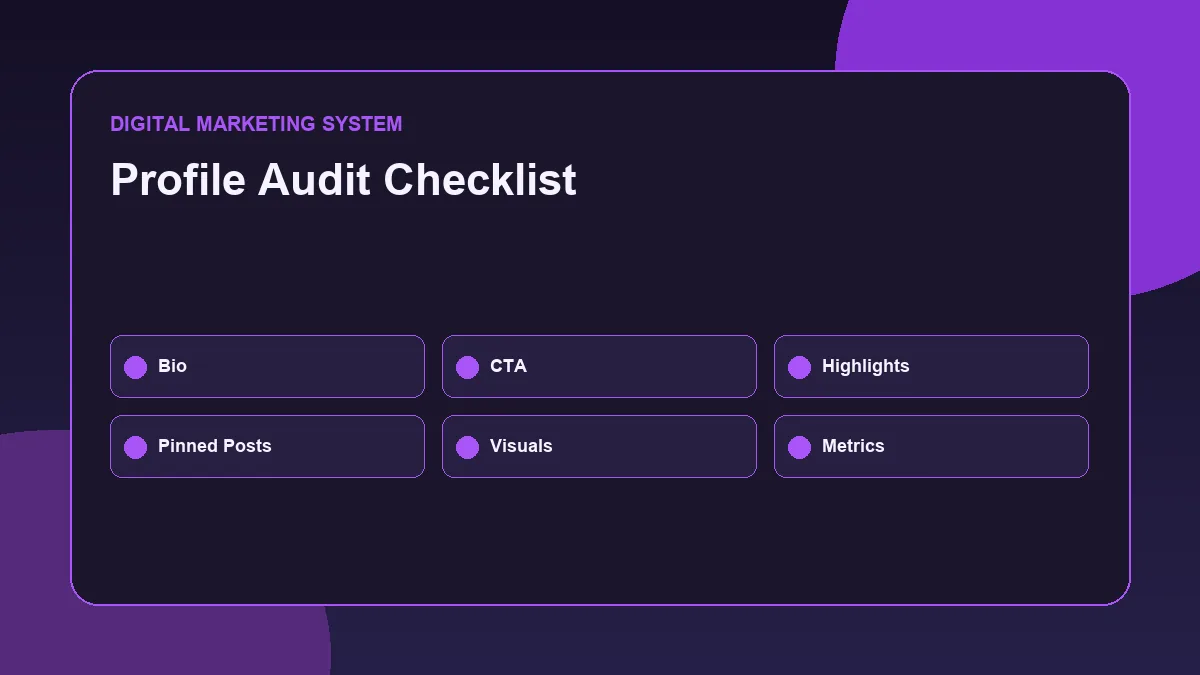
Final Instagram Profile Optimization Checklist
Use this checklist before updating an Instagram profile.
- Profile picture is clear and recognizable
- Username is simple and professional
- Name field includes identity or topic focus
- Bio explains what the profile does
- Bio explains who the content is for
- Bio includes a clear value angle
- CTA is included
- Website or useful link is added
- Category matches the profile
- Contact options are available if needed
- Highlights are organized
- Highlight covers look clean
- Pinned posts support positioning
- Content pillars are clear
- Visual style is consistent
- Posts are readable on mobile
- Captions support the profile message
- Profile performance is reviewed
- No fake claims are used
- No keyword stuffing is used
- Profile connects with website or business goal
This checklist helps turn an Instagram profile from a random content page into a clearer brand visibility asset.
Instagram growth is not only about posting more. The profile must make sense when people visit it.
A strong profile tells users what the brand stands for, what content they can expect, and what action they can take next.
Want to Build a Stronger Social Media Presence?
Explore the Social Media Marketing Resource Hub for practical guides on profile optimization, content calendars, social media strategy, and performance-focused content planning.
You can also visit the Social Media Marketing Guide to understand how social media supports visibility, trust, content distribution, and business growth.
For website, social media, or digital marketing collaboration discussions, visit the Contact page.
FAQ
What is Instagram profile optimization?
Instagram profile optimization is the process of improving your profile picture, username, name field, bio, link, category, highlights, pinned posts, and content clarity so visitors can quickly understand and trust your brand.
Why is Instagram profile optimization important?
Instagram profile optimization is important because profile visitors decide quickly whether to follow, click, message, or leave. A clear profile improves brand visibility, trust, and action.
What should an Instagram bio include?
An Instagram bio should include what the profile does, who it helps, what value it provides, and what action users should take next. It should be clear, short, and aligned with the brand.
Should I add a website link to my Instagram profile?
Yes, if you have a website, portfolio, service page, contact page, or landing page. The link should match the CTA in your bio and guide users toward a useful next step.
How many Instagram highlights should a profile have?
There is no fixed number, but highlights should be useful and organized. A smaller number of clear highlights is better than many confusing or outdated highlights.
Does Instagram profile optimization increase followers?
It can improve the chance of turning profile visitors into followers, but it does not guarantee follower growth. Content quality, consistency, audience relevance, and engagement also matter.
A professional LinkedIn content system can support the same visibility goal by connecting profile trust, content pillars and proof-of-work posts.
A personal brand content strategy example helps connect Instagram profile clarity with broader content pillars, publishing rhythm and measurement.